The LG C4 and the Samsung S90D are the two best 4K TVs most American living rooms will ever see, and they are also the two most often watched wrong. Both ship with settings that look good in the store and dull at home — Eco mode on, motion smoothing on, HDR off on at least one input, and the picture mode set to Vivid, which crushes the shadows and blows out the highlights. The panel is capable of a picture that looks like a window. The settings are what stand between the panel and the picture.
This article is the setup for both TVs, side by side, with the same tests on each: a night football game, a dark movie scene, and a bright Sunday afternoon game with the curtains open. The settings take ten minutes, the difference shows up the moment you restart the game, and the trial is free for 24 hours so you can run the tests on your own TV before deciding anything.
4K IPTV LG OLED USA: the LG C4 — the OLED that sets the standard
The LG C4 is the TV this article recommends first for IPTV, and the reason is the panel. OLED means every pixel makes its own light, so a black jersey at night is actually black instead of dark gray, and a floodlight does not bleed into the stands. The 65-inch C4 costs about $1,600, the 55-inch about $1,200 and the 77-inch about $2,600, and all three show Dolby Vision, HDR10 and HLG. Four HDMI 2.1 ports mean the Firestick, the Apple TV 4K, the console and the soundbar all fit without a switch.
For IPTV the C4 has a practical advantage the spec sheet does not show: webOS runs IBO Player directly, so many viewers never need a stick at all — the app opens from the TV home screen and the playlist loads in seconds. The one weakness is brightness: in a sun-drenched room the C4 at around 1,000 nits of peak brightness looks dimmer than a Samsung Mini LED. In a normal living room with the blinds half drawn, it is the best picture in this article, and the best TV guide has the full comparison.
4K IPTV LG OLED USA: the Samsung S90D — the bright-room OLED
The Samsung S90D is the TV for the bright room. Its QD-OLED panel pairs OLED blacks with quantum-dot color, and it peaks around 1,500 nits — half again as bright as the LG C4 — so a Sunday afternoon game with the sun coming through the windows stays vivid instead of washing out. The 65-inch S90D costs about $1,700, the 55-inch about $1,300 and the 77-inch about $2,700. The picture on a 4K football game is the punchiest of the three OLEDs in this article, and the anti-reflection coating is the best of any TV in it.
Samsung's one gap is Dolby Vision: Samsung does not support it, and never has. The S90D shows HDR10+ instead, which is just as good on the films and channels that carry it, but a Dolby Vision film on IPTV will play in HDR10 on this TV. For most viewers that is a footnote — the HDR10 picture on a QD-OLED is still superb — but if your library is full of Dolby Vision films, the LG shows them as graded. Tizen runs IBO Player directly, and the Gaming Hub is a bonus if the TV doubles as a console screen.
4K IPTV LG OLED USA: the LG settings — ten minutes, in order
Work through the LG settings in order, and write them down when you finish — the next firmware update can reset them. First, Settings, General, Devices, HDMI Settings, and turn on HDMI Ultra HD Deep Colour for the input the player uses. Second, set the picture mode to Filmmaker Mode for films — it shows the film exactly as graded — and to the sports preset only for live games. Third, turn off TruMotion for movies, set sharpness to 0, and turn off Eco mode and the ambient light sensor, which dim the panel just when HDR needs full brightness.
Fourth, set the color temperature to Warm 2, which looks yellow for the first hour and correct forever after, because that is the white point films are graded to. Fifth, in the player app, set the buffer to the largest size and confirm the stream information shows 3840 x 2160 on a 4K channel. Then play a 4K film you know is graded in Dolby Vision and look for the badge in the corner — badge means the whole chain works, and the HDR guide walks through the chain link by link.
4K IPTV LG OLED USA: the Samsung settings — ten minutes, in order
The Samsung settings are the same job with different names, and the order is the same. First, Settings, Connections, External Device Manager, and turn on Input Signal Plus for the input — the HDR switch, which ships off on at least one input. Second, set the picture mode to Filmmaker Mode for films and to the sports preset only for live games. Third, turn off Motion Plus for movies, set sharpness to 0, and turn off Eco mode and the light sensor. Fourth, set the color temperature to Warm 2.
Fifth, check the player: in IBO Player, confirm the stream shows 3840 x 2160 on a 4K channel, and set the buffer to the largest size. Then play a 4K HDR film and look for the HDR badge — Samsung shows HDR10+ where the film carries it, and the badge confirms the input setting worked. If the badge does not appear, the input setting is the first place to check, then the cable: a 4K60 HDR feed needs a Premium High Speed cable rated at 18 Gbps, and the cable in the drawer from 2015 is almost certainly not one.
4K IPTV LG OLED USA: the game, the film and the bright room
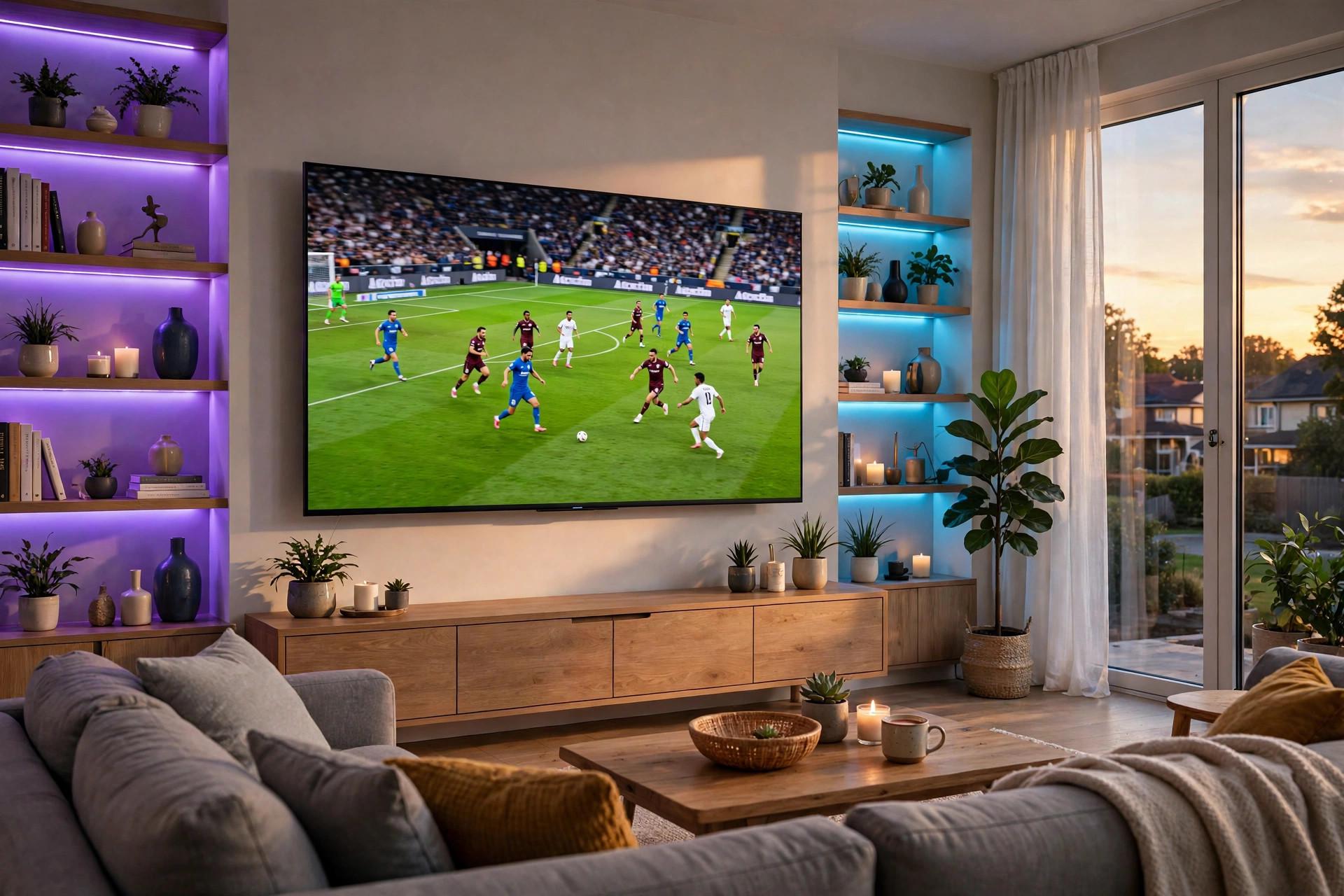
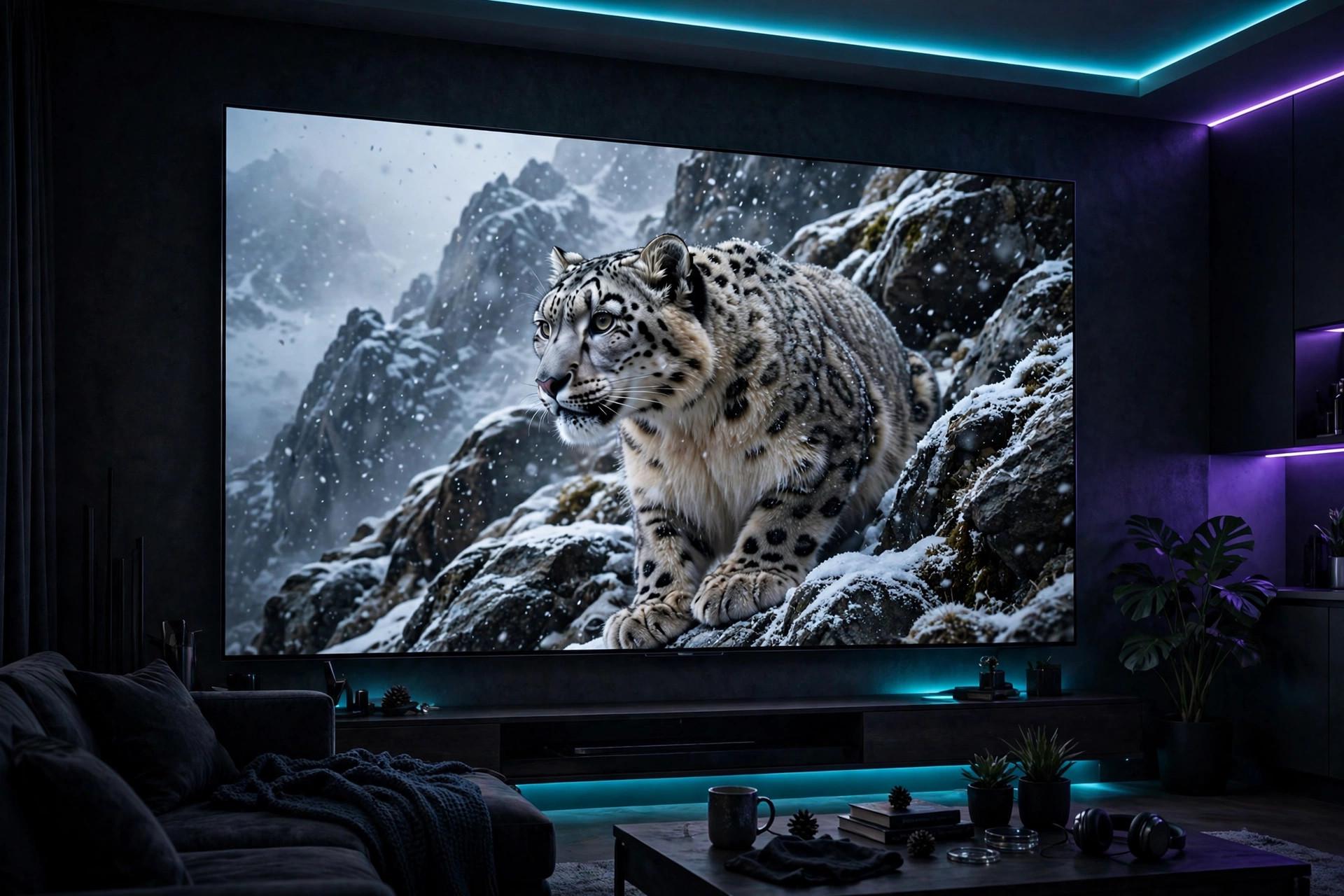
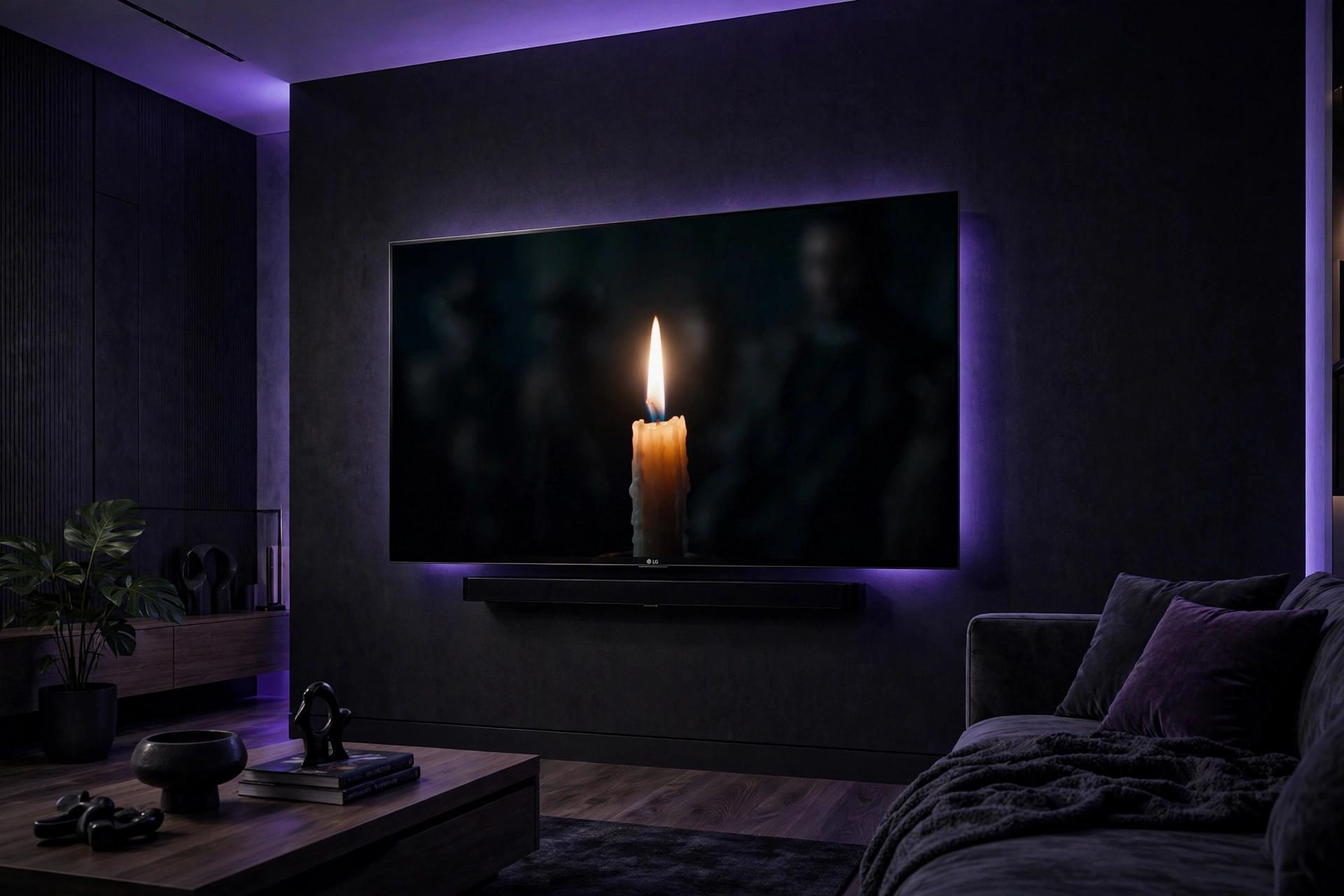
Test both TVs the same way, and the differences show up fast. The game test is a wide shot of a football field for a full minute: on the LG the grass stays green and the crowd stays made of separate people, and on the Samsung the same shot is brighter with the sun coming through the windows. The film test is a dark scene: on the LG the shadows have layers, and on the Samsung the shadows are just as deep but the highlights punch harder. The bright-room test is the Sunday afternoon game with the curtains open: the Samsung wins it, and the LG needs the blinds half drawn.
The choice between them is the room, not the brand. A normal living room with the blinds half drawn belongs to the LG C4, at about $1,600 for 65 inches. A sun-drenched room with the windows facing the afternoon sun belongs to the Samsung S90D, at about $1,700. A room with a 75-inch or 77-inch wall belongs to whichever of the two is on sale that week, because at that size the panel matters more than the badge. Run the tests in the trial and let the room decide.
4K IPTV LG OLED USA: burn-in, brightness and the long run
The question every OLED buyer asks is burn-in, and the honest answer in 2026 is that it is a managed risk, not a reason to avoid the panel. The LG C4 and the Samsung S90D both run pixel refresh cycles, logo dimming and screen shift automatically, and a household that watches varied content — the game, the film, the news, the series — will not see retention in normal use. The risk case is the household that leaves the same news channel on twelve hours a day, every day, with the static banner in the same corner — and that household should buy the Mini LED instead.
Brightness is the other long-run question. OLED panels dim slightly over years of heavy use, and the peak brightness that makes HDR pop on day one is a little lower on day one thousand. The Mini LED panels hold their brightness longer, which is the Sony Bravia 7's case. For most households the OLED still wins, because the blacks matter every night and the brightness fade is slow. Vary the content, let the pixel refresh run, and the panel will outlast the subscription.
4K IPTV LG OLED USA: the badge test on your TV
The badge test is the fastest check on either TV: play a 4K film you know is graded in Dolby Vision on the LG, or in HDR10+ on the Samsung, and watch for the badge in the corner in the first five seconds. Badge means the whole chain works — stream, player, cable, input, panel. No badge means one link is off, and the order to check is the input setting, then the player setting, then the cable. Run the test during the free trial on the TV you own, and once the badge appears, leave the settings alone and watch the game. If the picture still looks soft after the settings, the bandwidth guide checks the connection before the panel takes the blame.
- LG C4 OLED — best all-rounder, Dolby Vision, ~$1,600 for 65-inch
- Samsung S90D QD-OLED — brightest, best for sunny rooms
- Turn on the HDR input setting: Deep Colour on LG, Signal Plus on Samsung
- Filmmaker Mode for films, sports preset only for games
- Sharpness 0, motion smoothing off for movies, Eco off
- Test with a game, a dark film and a bright Sunday afternoon
| TV | Panel | 65-inch price | Dolby Vision | Peak brightness |
|---|---|---|---|---|
| LG C4 | OLED | ~$1,600 | Yes | ~1,000 nits |
| Samsung S90D | QD-OLED | ~$1,700 | No — HDR10+ | ~1,500 nits |
| Sony Bravia 7 | Mini LED | ~$1,800 | Yes | ~1,500 nits |
If you want to see the difference on your own screen, start the free trial and watch a 4K game or movie tonight. See the plans and prices and pick the length that fits your household, then follow the install guide for your device — most people are watching in under five minutes.