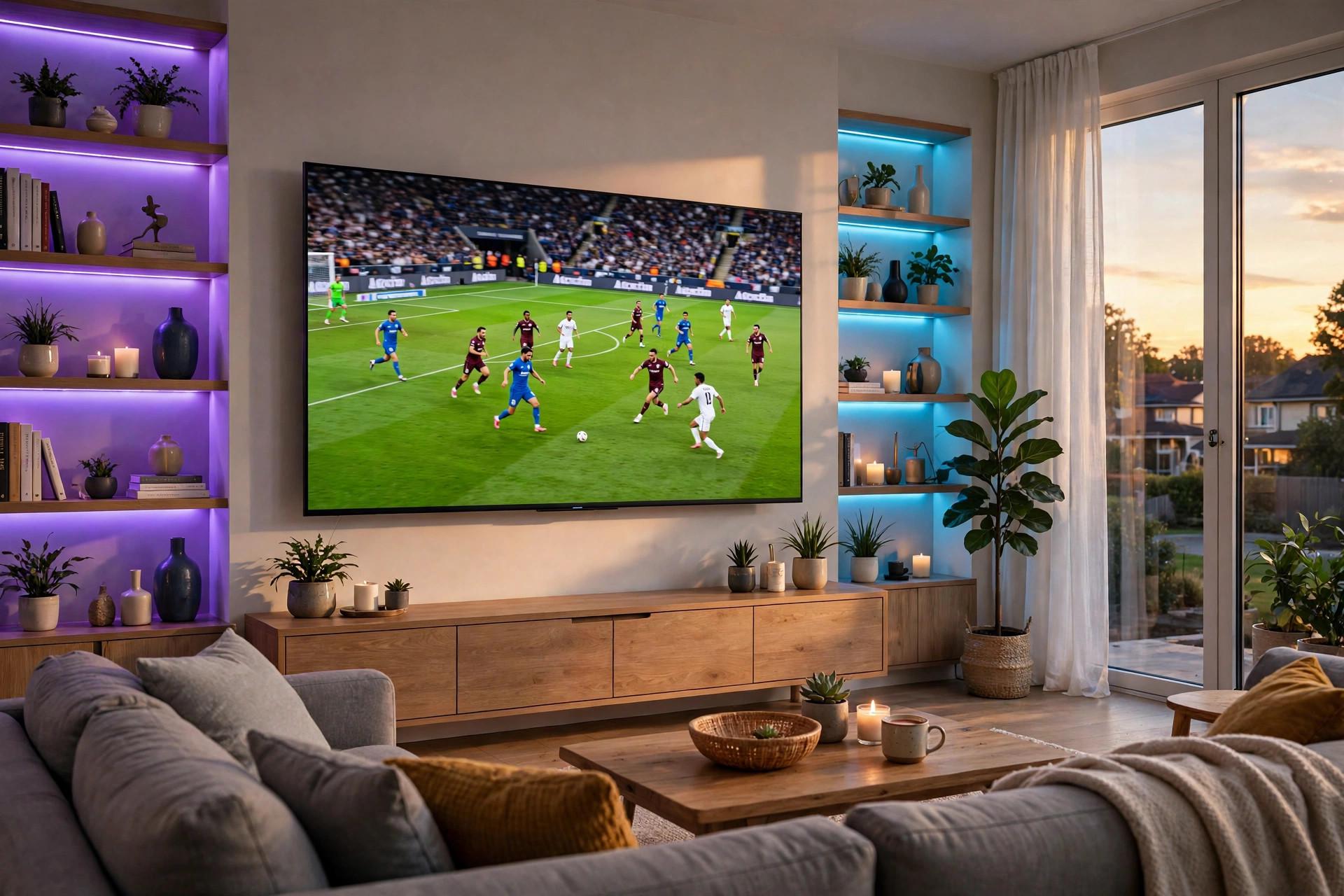
The first thing to know about 8K IPTV is that the number on the box is not the picture on the screen. An 8K TV has 7680 x 4320 pixels, about 33 million of them. A 4K TV has 8.3 million. That sounds like a four-times-better picture, and on a 75-inch or 85-inch screen viewed from eight feet, the extra detail is genuinely visible — fine text on a jersey, individual leaves on a tree line, the stitching on a baseball. On a 55-inch TV viewed from twelve feet, your eyes cannot resolve the difference at all, and the 8K feed looks exactly like a good 4K feed.
The second thing is that 8K content is still scarce. In 2026 there are a handful of true 8K channels and a growing shelf of 8K nature documentaries and demo reels, but almost no live US sports in native 8K — the NFL, NBA and MLB all produce in 4K at best, and most of what you watch is still 1080p or 4K. IPTV USA 4K Premium carries the 8K feeds that exist, and the 4K feeds carry the rest. The right way to think about 8K in 2026 is as a bonus on top of a great 4K service, not as the reason to buy one.
8K IPTV USA: what you need to watch in 8K
The chain has four links and every one of them has to be 8K-capable. The TV needs a real 8K panel — a Samsung QN900D, an LG Z3 OLED, a Sony Bravia Z9K or a Hisense ULED 8K set — and those start around $2,000 for 65 inches and climb past $4,000 at 75 inches. The player needs to decode 8K: the Nvidia Shield TV Pro handles 8K output with AI upscaling, and the newest 8K-capable Android TV boxes do too, but the Firestick 4K Max and Apple TV 4K top out at 4K and will downscale an 8K feed rather than show it.
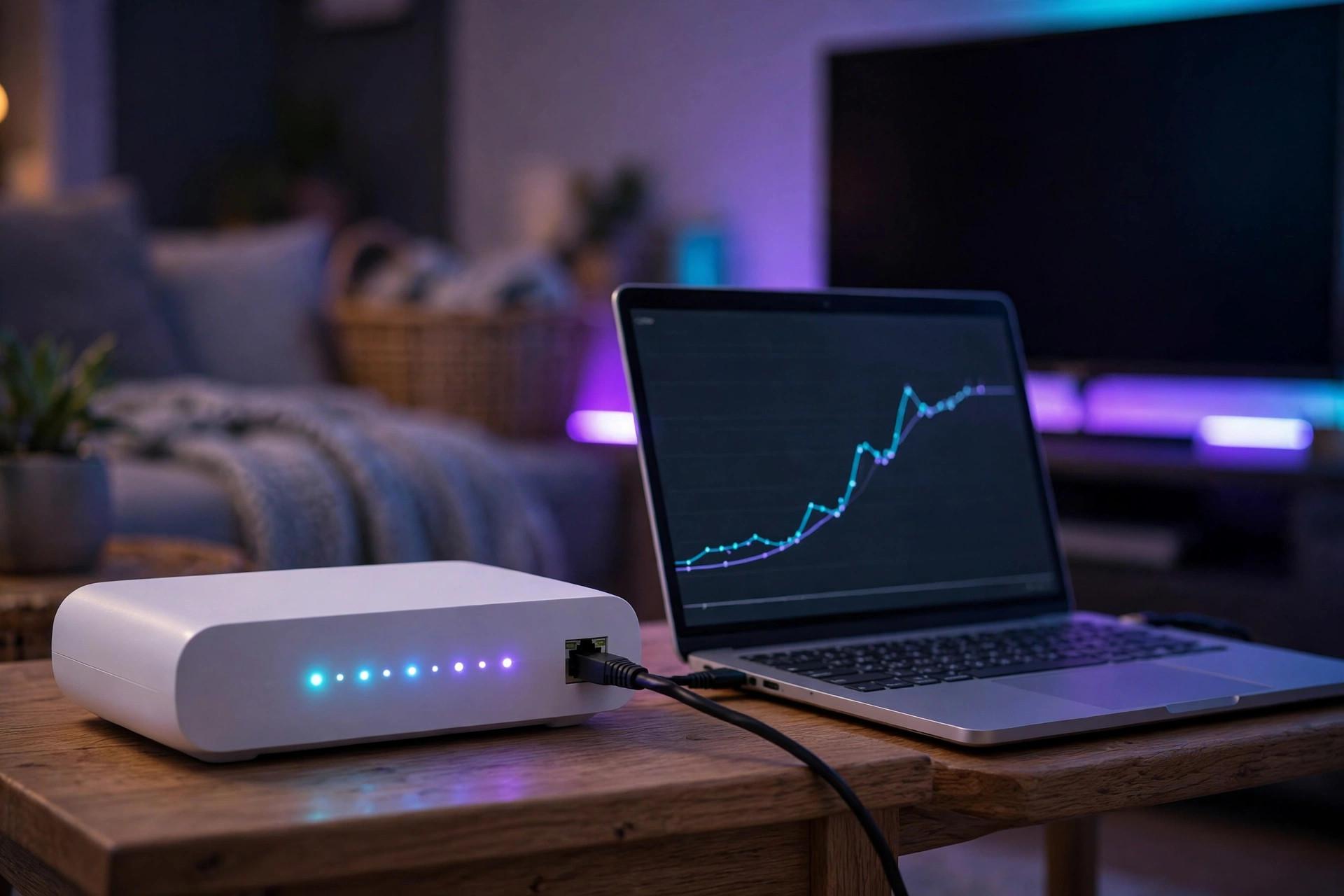
The cable matters too. An 8K60 feed needs HDMI 2.1 end to end — a certified Ultra High Speed cable, about $10 to $15, and an HDMI 2.1 port on the TV, which most 8K sets have on at least one input. An older HDMI 2.0 cable caps the chain at 4K60 and quietly drops the 8K feed to 4K without telling you. The internet needs 50 Mbps steady for a compressed 8K stream and closer to 100 Mbps for the best ones, which means Ethernet or a strong 5 GHz link, not a two-bar 2.4 GHz signal from the next room. The internet speed guide has the full table — 25 Mbps for one 4K stream, 50 Mbps for two, and closer to 100 Mbps before 8K earns its keep.
8K IPTV USA: which channels are really in 8K
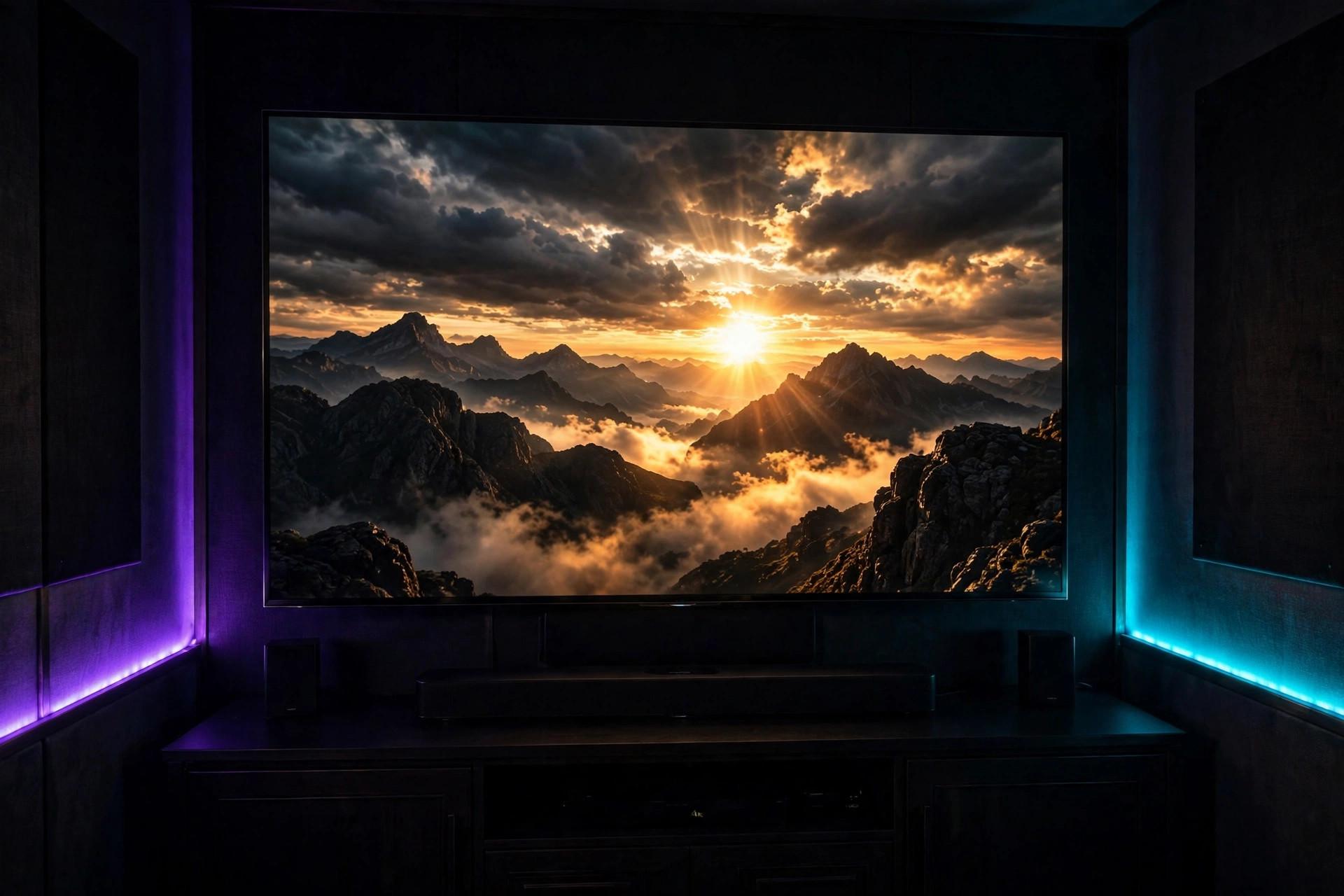
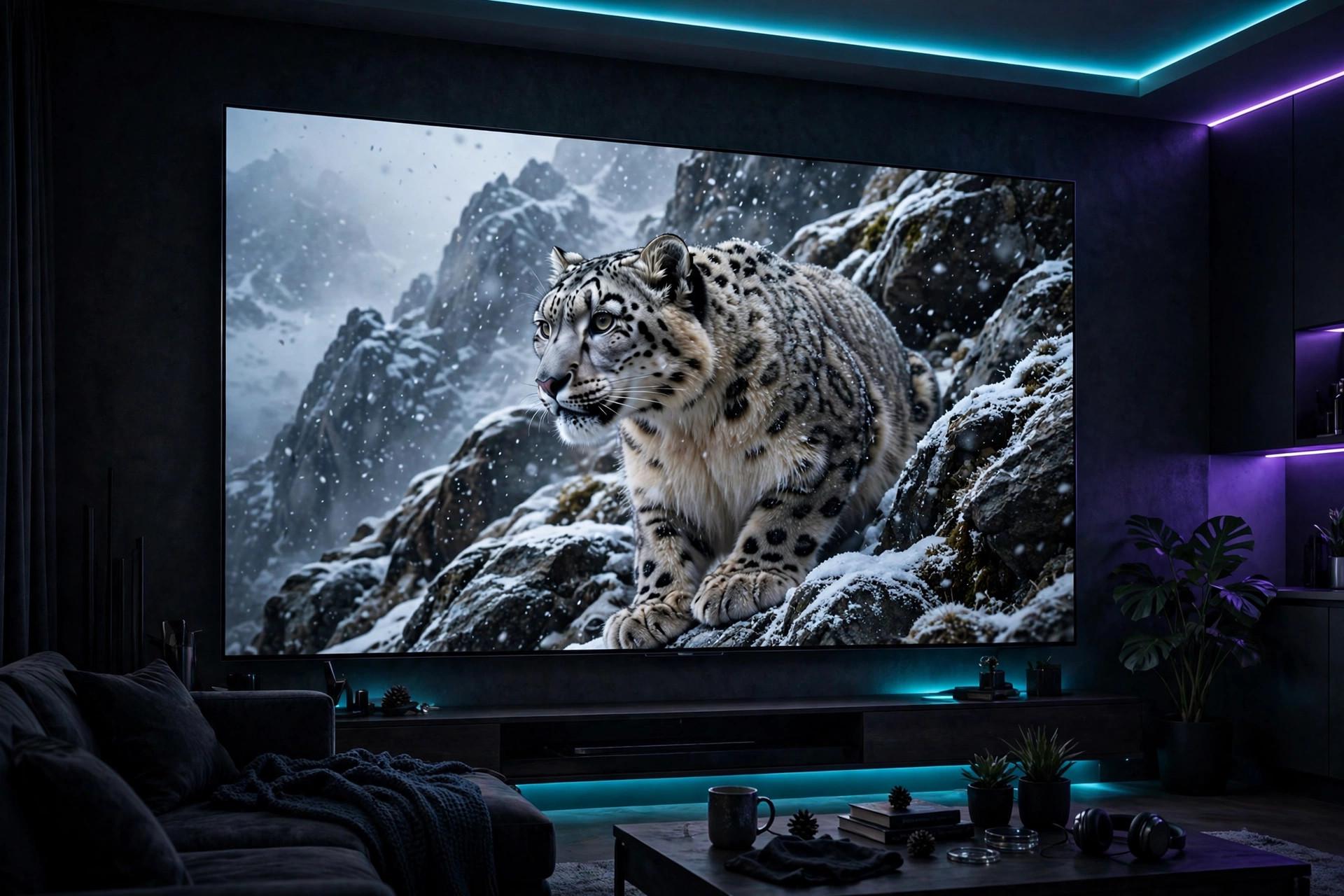
Native 8K broadcasting in 2026 is a short list. Japan's NHK BS8K has broadcast in 8K since 2018 and carries the most consistent 8K schedule anywhere — nature, culture and sport. A handful of European demo and nature channels run 8K loops, and some satellite and streaming showcases carry 8K event coverage. In the USA, no major network broadcasts a full-time 8K channel, and the big US sports leagues do not produce live games in 8K yet. What you will watch in 8K this year is mostly nature documentaries, travel films and showcase reels.
That scarcity is why a service should never charge extra for 8K alone. IPTV USA 4K Premium includes the 8K feeds that exist at the same $19.99 a month as the 4K service, so an 8K TV owner gets them without a second bill. When a provider lists 8K as a premium add-on, check the channel list first: if the 8K section is three demo loops and a nature reel, the add-on is worth nothing until the leagues start producing in 8K. The free 24-hour trial is the way to check — open the 8K section on your own TV and count what is actually there.
8K IPTV USA: 8K TV or 4K TV — what to buy in 2026
If you are buying a TV today and the choice is a great 65-inch 4K OLED or a mid-range 65-inch 8K LCD for the same money, buy the 4K OLED. The LG C4 and Samsung S90D at 65 inches cost $1,500 to $1,800 and show a better picture on everything you watch — deeper blacks, wider color, better motion — than an 8K LCD at the same price shows on the 5% of content that is actually 8K. The 8K panel only wins on a 75-inch or larger screen, at close viewing distance, on native 8K content.
The case for 8K is size. At 85 inches, a 4K picture starts to show its pixels from eight feet, and an 8K panel stays smooth. If your living room fits an 85-inch Samsung QN900D and you watch a lot of nature documentaries, 8K is a real upgrade. If the room fits a 65-inch TV, spend the difference on a better 4K panel, a soundbar and a Firestick 4K Max or Apple TV 4K — the picture you watch every night will be better than the picture you watch once a month in 8K.
8K IPTV USA: upscaling — how 4K looks on an 8K TV
Almost everything you watch on an 8K TV in 2026 is upscaled, because almost everything is shot in 4K or lower. The upscaler is the most important chip in an 8K TV, and it is where Samsung and LG earn their price. A good upscaler takes a 4K football game and stretches it to 33 million pixels without turning the grass into mush, using the same kind of AI detail reconstruction the Nvidia Shield TV Pro does on its own. A weak upscaler just doubles pixels and the picture looks soft. The Nvidia Shield guide covers the AI upscaling settings that make the difference on a 75-inch screen.
Test the upscaler the same way you test a stream: a wide shot of a football field, then a face in close-up, then a dark scene. On the Samsung QN900D and the LG Z3 the 4K game looks slightly sharper than on a native 4K panel of the same size, because the upscaler has more pixels to work with and the panel is usually brighter. On a budget 8K set the same game can look worse than on a good 4K TV, because the panel is dimmer and the upscaler is weaker. The badge on the bezel tells you nothing; the picture tells you everything.
8K IPTV USA: internet and data for 8K streams
An 8K stream is a heavy download. A compressed 8K feed at 50 Mbps uses about 22 GB per hour, and at 100 Mbps it uses about 45 GB per hour — a three-hour 8K movie night can eat 135 GB. Most US home internet plans have no data cap — fiber from Verizon Fios, AT&T and Google Fiber is uncapped, and Xfinity lifted caps in most regions — but some cable plans still cap at 1.2 TB a month, and a household watching 8K every night would cross that in about ten days. Check the cap before you make 8K the default.
The connection itself needs to be steady, not just fast. A 5G home internet gateway that swings between 40 and 200 Mbps will drop an 8K feed every time it dips, while a 200 Mbps fiber line that never moves holds it all night. Use Ethernet from the router to the TV or the Shield whenever the cable run is practical, and if you must use Wi-Fi, use a 5 GHz channel with the router in the same room. Run the speed test at the TV at 8 PM before you judge the service.
8K IPTV USA: the bottom line for 2026
Buy the 8K TV if the screen is 75 inches or larger and the room lets you sit close enough to see the detail. Keep the 4K TV if the screen is 65 inches or smaller, and spend the money on a better panel instead. Either way, pick a service that includes 8K feeds at no extra charge, because the 8K library is still small and it should not cost extra to watch what little there is. IPTV USA 4K Premium does exactly that — see the best 4K IPTV guide for the full picture: 57,000+ channels, 185,000+ movies and 49,000+ series, 4K and 8K together, from $19.99 a month with a free 24-hour trial.
And test it on your own screen. The trial is free for 24 hours, and an evening with the 8K nature reels on a Samsung QN900D will tell you in ten minutes whether 8K is worth it in your living room. If the detail makes you lean forward, keep it. If you find yourself watching the 4K game instead, the 4K service underneath is the one that matters — and it is the same subscription either way.
8K IPTV USA: the screen-size rule
The screen-size rule settles most 8K arguments before they start: under 65 inches, buy the best 4K OLED you can afford; over 75 inches, 8K starts to earn its keep. The reason is simple geometry — at twelve feet your eyes cannot separate 4K pixels from 8K pixels on a 55-inch panel, and no bitrate or HDR format changes that. Measure the distance from your couch to the wall, check the size that fits, and let that decide the TV. The subscription underneath stays the same either way, and the free trial lets you compare the 4K game and the 8K nature reel back to back on the screen you actually own.
- 8K is 7680 x 4320 — four times the pixels of 4K
- Visible on 75-inch+ screens; invisible on 55-inch at 12 feet
- Needs 50–100 Mbps steady and HDMI 2.1 end to end
- Native 8K channels are still rare — NHK BS8K leads
- IPTV USA 4K includes 8K feeds at no extra charge
- Test it free for 24 hours on your own 8K TV
| Quality | Resolution | Speed needed | Content in 2026 |
|---|---|---|---|
| 1080p Full HD | 1920 x 1080 | 5–10 Mbps | Almost everything |
| 4K UHD | 3840 x 2160 | 25–50 Mbps | Most new films & sport |
| 8K UHD | 7680 x 4320 | 50–100 Mbps | Nature, demos, NHK BS8K |
If you want to see the difference on your own screen, start the free trial and watch a 4K game or movie tonight. See the plans and prices and pick the length that fits your household, then follow the install guide for your device — most people are watching in under five minutes.