The Shield TV Pro is the box the other boxes are measured against, and the measurement is not close. The Tegra X1+ chip decodes a 4K60 HDR game without breaking a sweat, the AI upscaling rebuilds detail in 1080p feeds that no other box can match, and the Android TV platform runs TiviMate — the best IPTV guide on any device — natively, with the remote, the voice search and the recording option all working. It costs $199.99, twice the Firestick 4K Max and fifty dollars more than the Apple TV 4K, and the household that buys it never goes back.
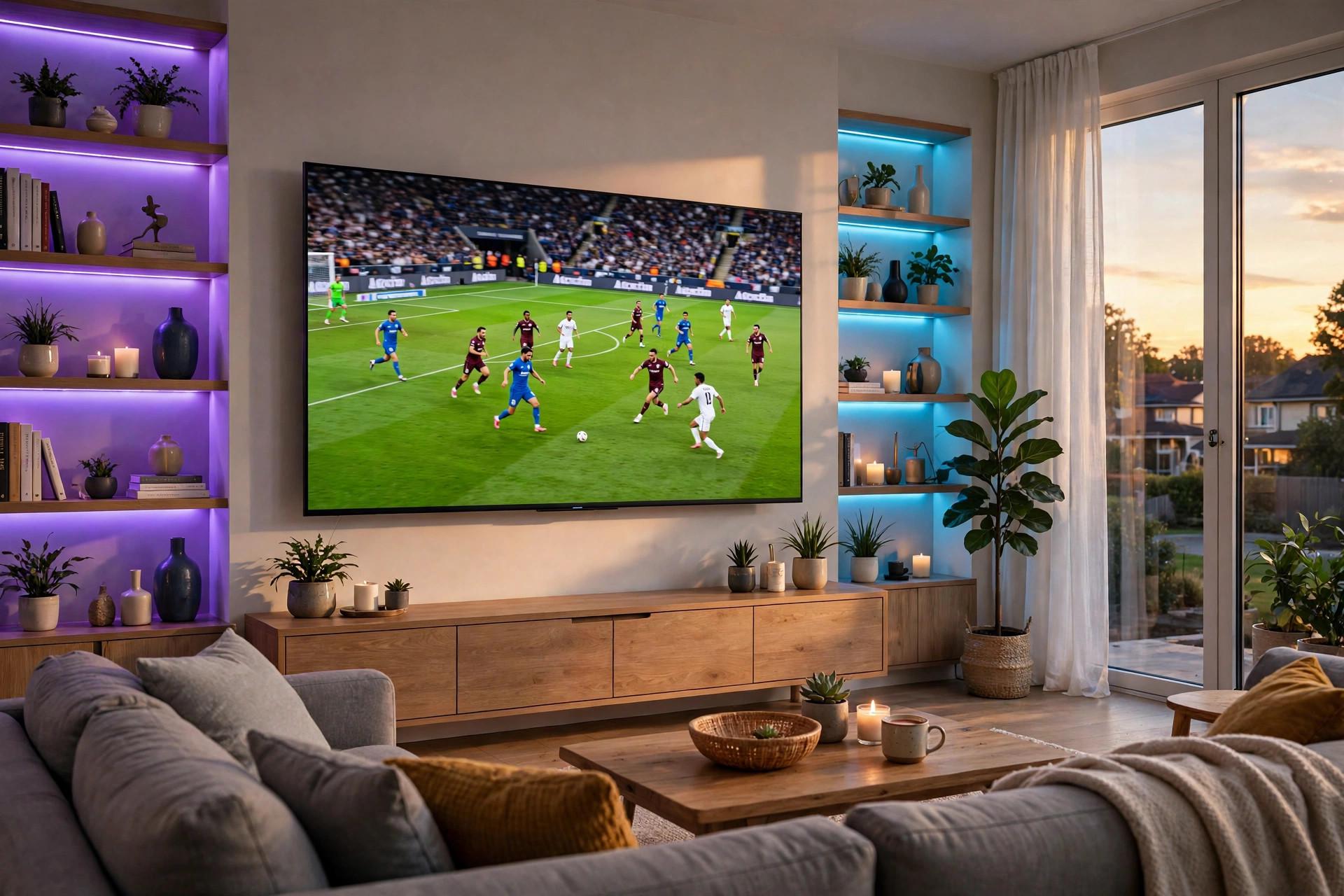
The question is not whether the Shield is the best box — it is — but whether the household needs the best box. The answer depends on the TV: on a 55-inch bedroom TV the Shield and the Firestick look the same, and the $140 difference buys nothing. On a 75-inch TV in the living room, the Shield's upscaling and decoding are visible from the first wide shot, and the difference is the reason to buy it. This article covers the setup, the apps, the settings and the test.
4K IPTV Nvidia Shield USA: the two models — Pro and tube
Nvidia sells two Shields, and the choice matters. The Shield TV Pro at $199.99 is the box: the Tegra X1+ chip, 3 GB of RAM, 16 GB of storage, two USB ports, an Ethernet port, and the full AI upscaling. The Shield TV tube at $149.99 is the cylinder: the same chip, 2 GB of RAM, 8 GB of storage, no USB ports, and the AI upscaling is limited — the tube upscales to 4K, but the Pro's enhanced AI mode is the one that rebuilds detail, and the tube does not have it. For IPTV, the Pro is the pick, and the $50 difference is the whole point of the box.
The tube has one advantage: it fits behind the TV where the box does not, and the remote is the same. The Pro has the advantages that matter: the RAM keeps the guide fast after a week of use, the USB ports take a hard drive for recordings and a keyboard for setup, and the Ethernet port means the box never buffers on a good connection. Buy the Pro, plug it into the wall, and put the tube on the list of things that were almost right. The best TV guide has the panels that deserve it.
4K IPTV Nvidia Shield USA: setup — TiviMate in five minutes
Setup takes five minutes. Plug the Shield into the TV with the HDMI cable — Nvidia does not include one, so a certified Ultra High Speed cable for about $10 is the first purchase — and plug the power cable into the wall. The Shield boots into Android TV, signs in with the Google account, and updates itself. Open the Google Play Store, search for TiviMate, and install it. Open TiviMate, choose Add Playlist, then Xtream Codes login, and enter the username, password and server URL support sends on WhatsApp. The playlist and the EPG load in about a minute.
TiviMate Premium costs $4.99 a year and is worth it for the guide alone: favorites, catch-up, recording to the USB drive, and the multi-view that shows four channels at once on a Sunday. IPTV Smarters Pro is the free alternative, and it runs on the Shield the same way — the same Xtream Codes login, the same channels, the same 4K feeds. The install guide covers both apps step by step, and support on WhatsApp walks through the setup live if any step sticks.
4K IPTV Nvidia Shield USA: AI upscaling — the reason to buy it
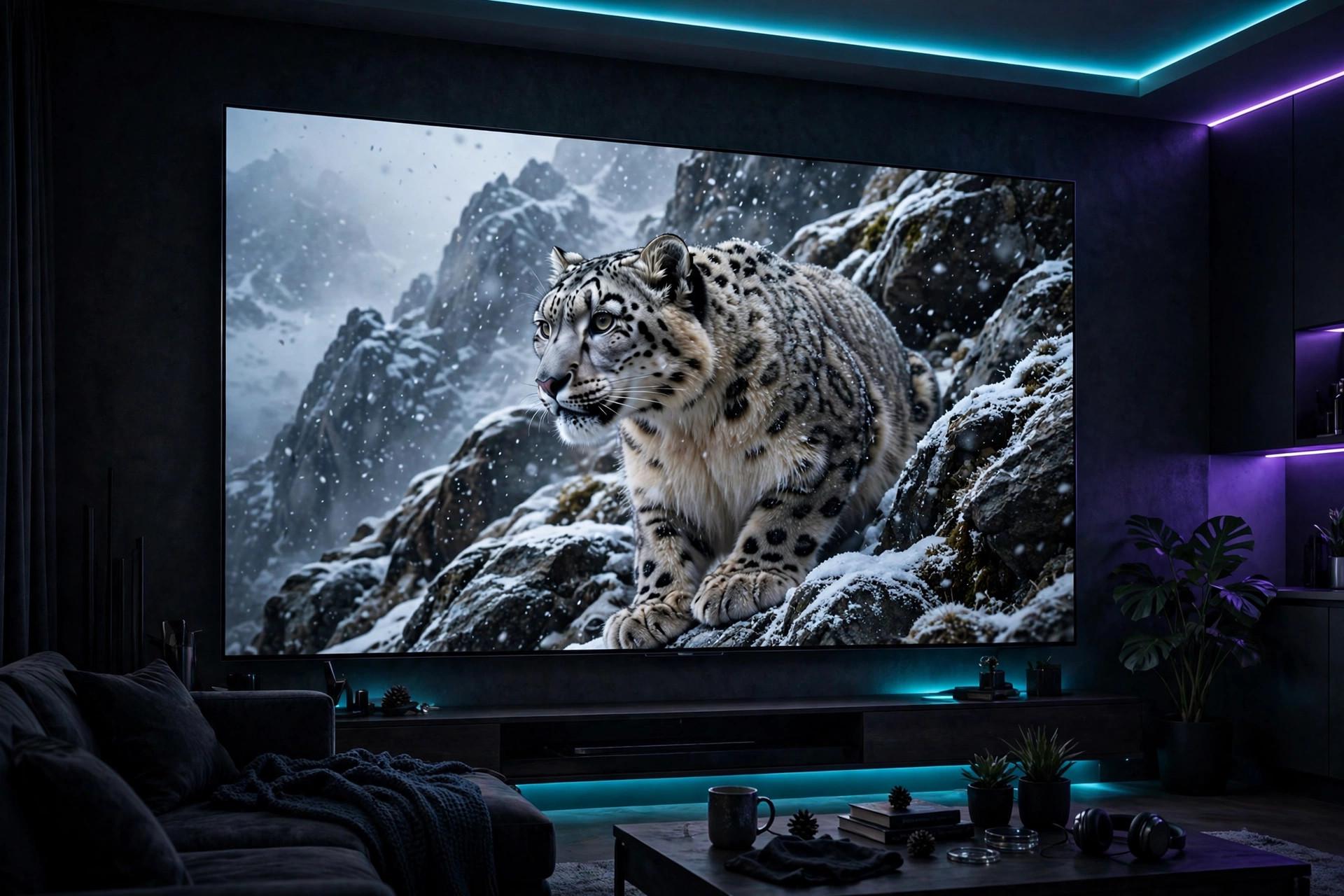
AI upscaling is the Shield's signature feature, and it is the reason the box earns its price on a big TV. The Tegra X1+ chip runs a neural network trained on film and television, and it rebuilds detail in a 1080p feed that the encoder never sent — the texture of a jersey, the edge of a building, the grain of a film — and shows it on the 4K panel as if it had been shot that way. The effect is strongest on the content that needs it most: the older 1080p channels, the news, the classic films, the local games that are still produced in 1080p.
The setting has three levels: Basic, Enhanced, and AI-Enhanced, under Settings, Device Preferences, Display and Sound, AI Upscaling. Enhanced is the right level for most viewing — it sharpens without inventing detail. AI-Enhanced is the strongest, and it is the one to use on a 75-inch or larger TV, where the extra detail is visible from the couch. The demo mode splits the screen in half, upscaled on one side and original on the other, and the difference is the fastest sales pitch in this article. Turn it off for native 4K feeds — they do not need it, and the Shield knows to leave them alone.
4K IPTV Nvidia Shield USA: Dolby Vision, Atmos and the theater
The Shield is the only box in this article that does everything the home theater asks for: Dolby Vision for the picture, Dolby Atmos for the sound, and the pass-through that sends both to the soundbar untouched. Enable Dolby Vision under Settings, Display and Sound, and set the audio to pass-through so the soundbar — not the box — decodes the Atmos track. The 4K films in the VOD library carry Dolby Vision and Dolby Digital Plus where the film supports it, and the player shows the badge before you press play.
The theater setup is the Shield, the TV and the soundbar in a line: the Shield into the TV over HDMI, the TV to the soundbar over eARC, and the audio untouched between them. The picture gets the HDR, the sound gets the Atmos, and neither is compromised by the other. The HDR guide covers the formats, and the picture settings guide covers the TV side. The Shield is the box that makes the theater work, and the trial is free for 24 hours to hear it.
4K IPTV Nvidia Shield USA: the remote, the gamepad and the house
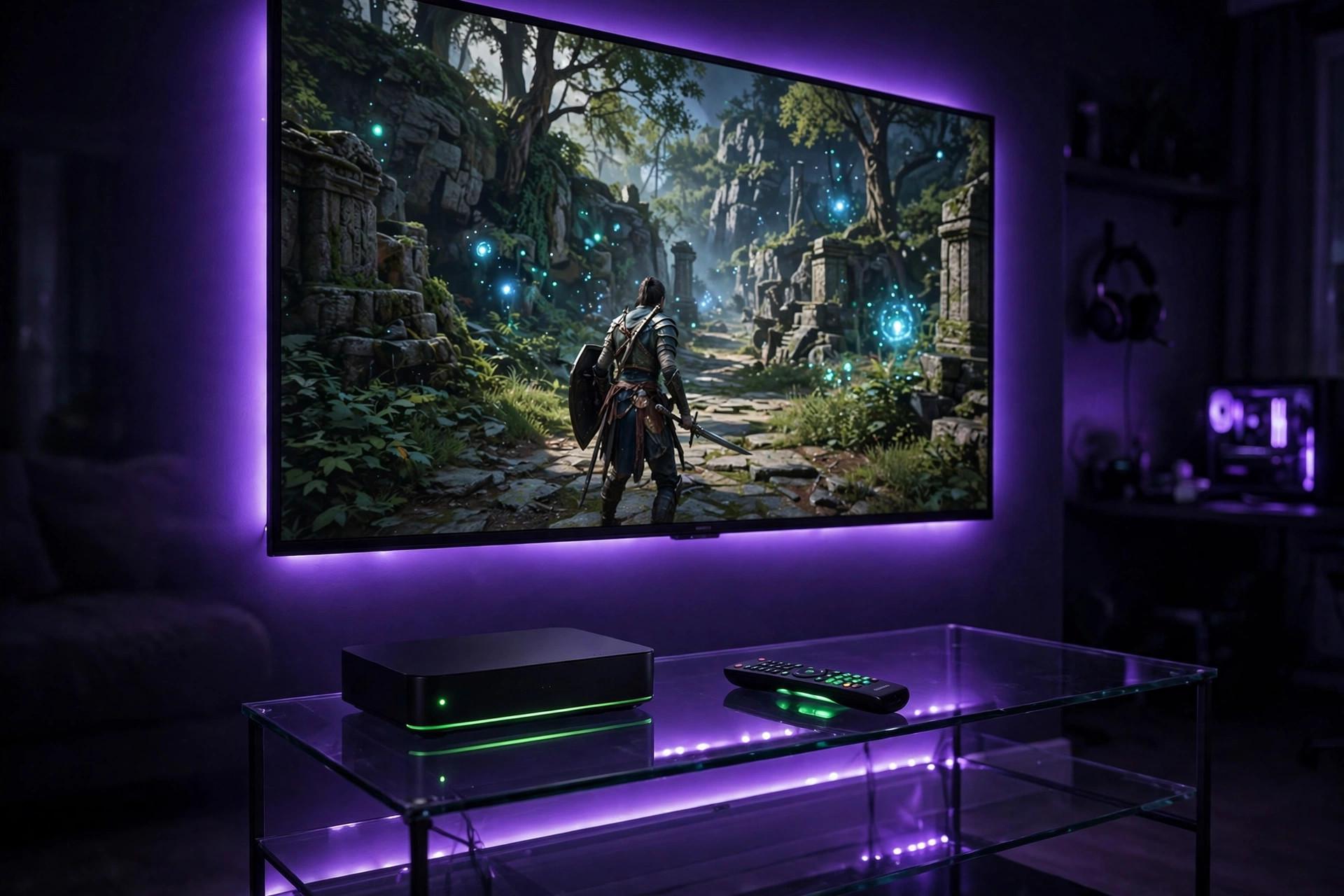
The Shield remote is the best remote in this article after the Apple TV's: backlit buttons, a lost-remote finder that beeps from the box, and a voice button that searches titles across the apps. The Shield also takes the gamepad, and the GeForce Now app turns the box into a cloud gaming console — the household that buys the Shield for IPTV gets a game console in the same box, and the kids will find it before the parents do. The USB ports take a hard drive for TiviMate recordings, so the game records while the household watches the film.
The house test is the same as for any box: start the free trial, put the biggest game of the week on the biggest TV, and watch the first half. If the guide loads instantly, the picture holds in 4K, and the upscaling makes the halftime show look sharper than it did on the old box, the Shield earns its $199.99. If the TV is 55 inches and the couch is twelve feet away, the Firestick 4K Max at $59.99 earns the same evening for a third of the price — and the trial tells you which, for free.
4K IPTV Nvidia Shield USA: Shield vs Firestick vs Apple TV
The honest comparison is short. The Shield TV Pro at $199.99 is the strongest box, with the best upscaling, the best guide in TiviMate, and the full theater support — and it is the pick for the 75-inch TV and the home theater. The Apple TV 4K at $129 is the fastest and most polished, with the best Dolby Vision handling and the best remote for typing — and it is the pick for the Apple household. The Firestick 4K Max at $59.99 plays the same 4K feeds for a third of the price, with IBO Pro Player as the simplest app — and it is the pick for the second TV and the budget.
The subscription does not change between them: one IPTV USA 4K login works on the Shield, the Apple TV and the Firestick, and the multi-device yearly plans — $159.99 for two devices, $224.99 for three, $269.99 for four — cover the household however it is mixed. Buy the box that fits the TV, not the one with the longest spec sheet, and test the service on it with the free 24-hour trial before the return window closes.
4K IPTV Nvidia Shield USA: the split-screen demo
The split-screen demo is the fastest check on the Shield: open the AI upscaling settings, turn on the demo mode, and watch a 1080p channel with the screen split in half — upscaled on one side, original on the other. The difference is the reason the box costs $199.99, and it is visible in ten seconds on a 75-inch TV. Run the demo during the free trial on the biggest game of the week, and if the upscaled half makes you lean forward, the Shield earns its place under the TV. If the two halves look the same, the Firestick earns the evening for a third of the price — and the trial told you for free.
- Shield TV Pro $199.99 — strongest box, AI upscaling
- Shield TV tube $149.99 — same chip, limited upscaling
- TiviMate Premium $4.99 a year — best guide, recording
- Dolby Vision + Dolby Atmos pass-through for theaters
- Ethernet built in — the box never buffers on a good line
- Same login works on Firestick, Apple TV and Shield
| Box | Price | AI upscaling | Best for |
|---|---|---|---|
| Shield TV Pro | $199.99 | Yes — enhanced | 75-inch TV, theater |
| Shield TV tube | $149.99 | Limited | Behind the TV |
| Apple TV 4K | $129 | No | Apple households |
| Firestick 4K Max | $59.99 | No | Budget / second TV |
If you want to see the difference on your own screen, start the free trial and watch a 4K game or movie tonight. See the plans and prices and pick the length that fits your household, then follow the install guide for your device — most people are watching in under five minutes.