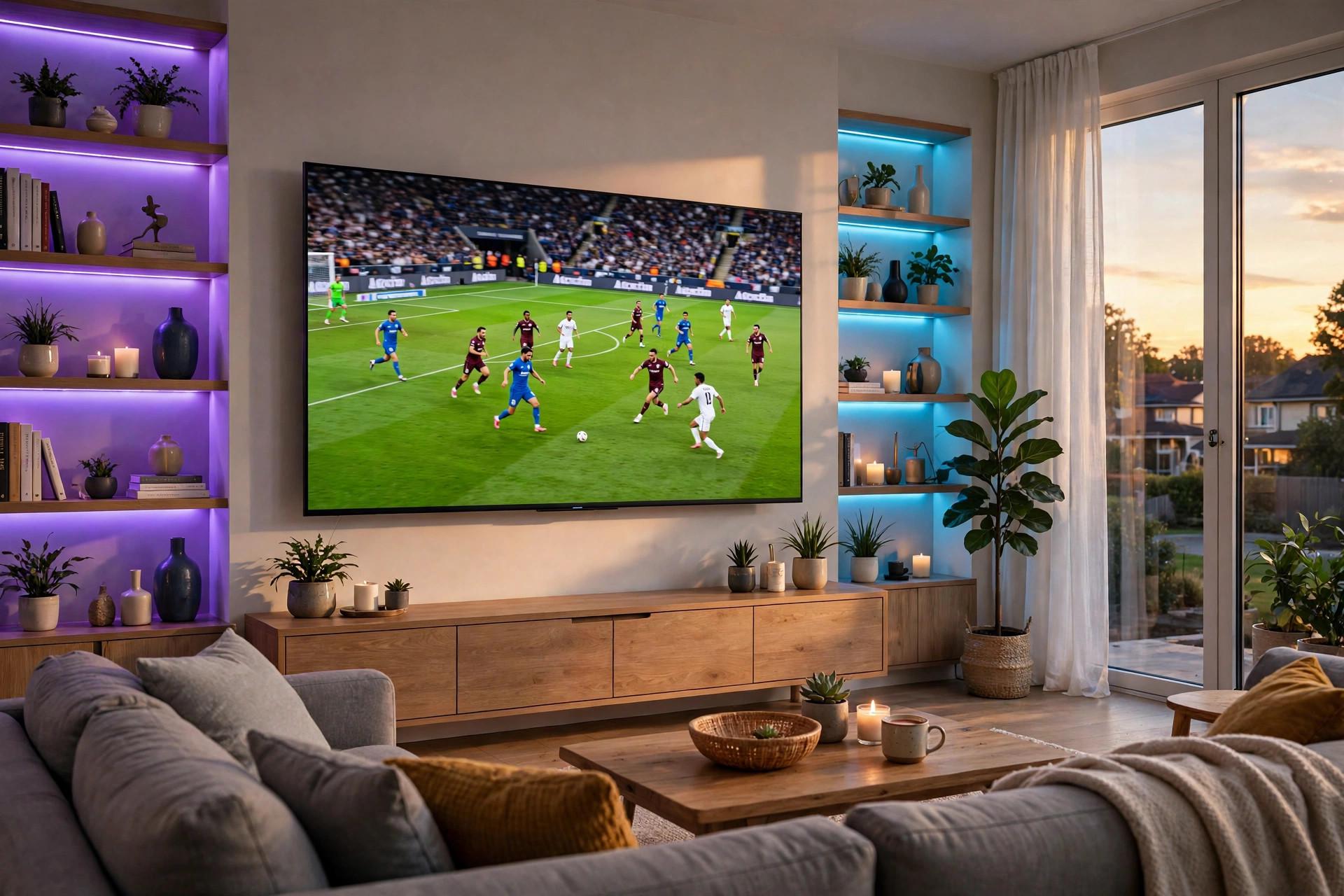
The Firestick 4K Max is the most popular way Americans watch IPTV, and the reasons are simple: it costs $59.99, it plugs into any TV with an HDMI port, it decodes 4K60 HDR with Dolby Vision, and the remote has Alexa built in. It turns a ten-year-old 1080p TV in the bedroom into a smart TV, and it turns a new LG C4 into a 4K streaming machine without a second box. The setup is the same on the Firestick 4K, the 4K Max and the Fire TV Cube, with small differences noted below.
The one thing the Firestick does not do out of the box is install IPTV player apps from the Amazon Appstore — IBO Pro Player is not listed there. That is why the install uses Downloader, Amazon's own sideloading tool, and why the download code comes from support on WhatsApp rather than from a web page. The code changes from time to time, so the only reliable place to get the current one is a message to support. The whole process, start to finish, is six steps and about five minutes.
4K IPTV Firestick USA: what you need before you start
You need three things: a Firestick 4K Max with the latest Fire OS, a TV with a free HDMI port, and a WhatsApp message to support to get the current Downloader code and your login details. The Firestick 4K Max is the pick over the standard Firestick 4K, because it has twice the storage at 16 GB, a faster processor, Wi-Fi 6E and an Ethernet adapter in the box options — and the $20 difference pays for itself the first time a 4K game does not stutter. The Fire TV Cube at $139.99 adds hands-free Alexa and a built-in Ethernet port, and it is the right choice if the stick will live in a home theater.
Check the TV first. Any TV with HDMI works, but a 4K TV is what makes the subscription worth it — a 1080p TV will show the same channels in 1080p, and that is fine for a bedroom. Plug the stick into the HDMI port, use the extender cable in the box if the port is tight against the wall, and connect the power adapter to the wall socket, not to the TV's USB port: the TV USB port often delivers too little power, and an under-powered stick reboots at random. Connect to Wi-Fi, sign in to Amazon, and update Fire OS under Settings, then My Fire TV, then About, then Check for Updates.
4K IPTV Firestick USA: install IBO Pro Player step by step
Open Settings, then My Fire TV, then Developer Options, and turn on Apps from Unknown Sources — on newer Fire OS versions this is under Install Unknown Apps, where you enable it for Downloader. Then open the Amazon Appstore, search for Downloader, and install it. Downloader is made by AFTVnews, it is free, and it is the standard tool for installing apps that are not in the store. Open Downloader, dismiss the first-run prompts, and type the code support gave you on WhatsApp into the URL box.
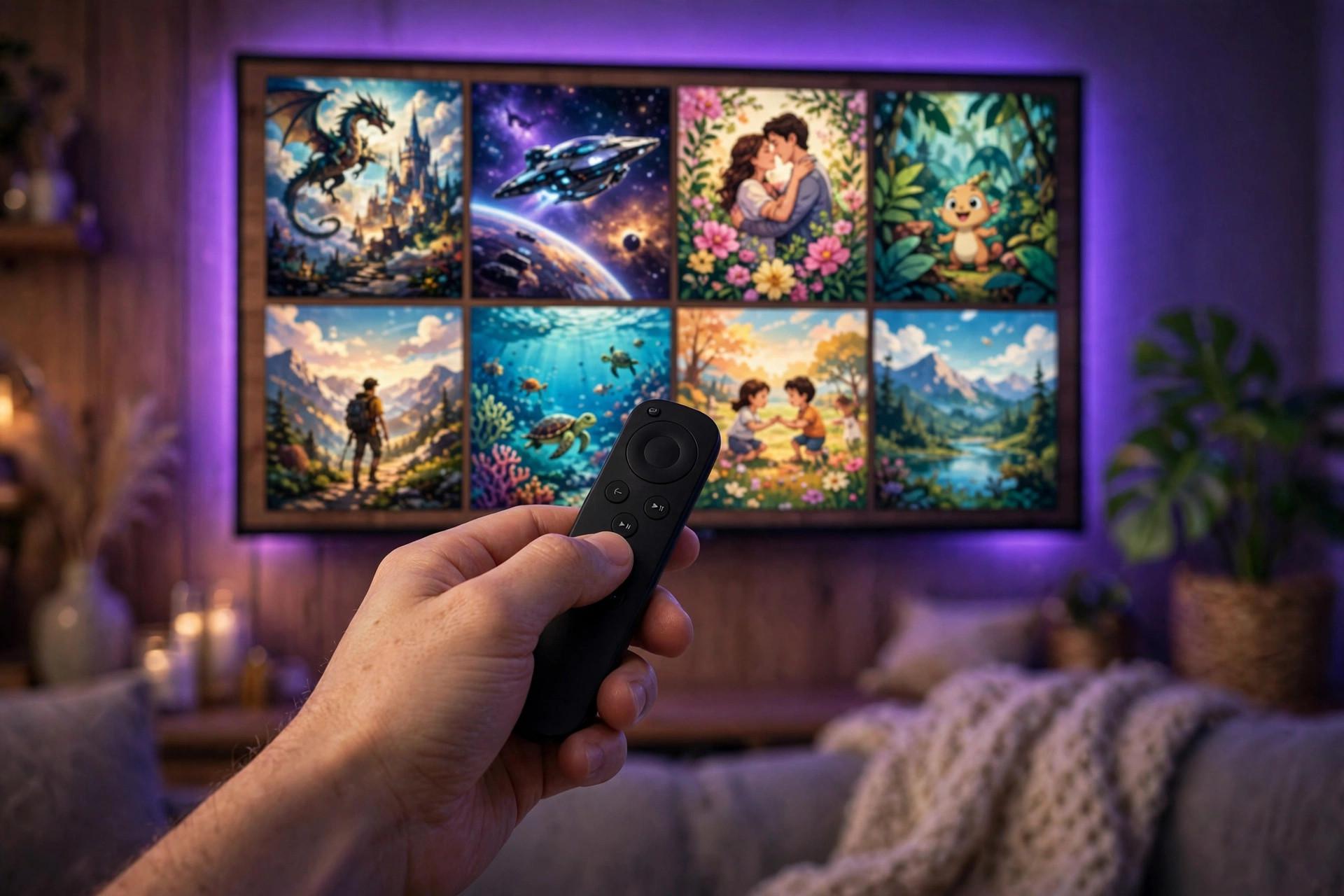
Press Go, and the IBO Pro Player installer downloads in a few seconds. Press Install when the prompt appears, then Open. IBO Pro Player shows a MAC address and a key on the screen — write them down exactly, then send both to support on WhatsApp. Activation usually takes about a minute. Restart IBO Pro Player and the playlist loads: channels, movies, series and the full EPG. If the app asks for a playlist URL instead, you have opened the wrong screen — go back, check the MAC and key screen, and message support with a photo of what you see.
4K IPTV Firestick USA: the settings that make 4K actually 4K
Four settings decide whether the Firestick shows real 4K. First, Settings, Display and Sounds, Display, Video Resolution — set it to Auto up to 4K Ultra HD, not to 1080p. Second, Dynamic Range Settings — set it to Adaptive, so the stick switches to HDR10 or Dolby Vision when the feed carries it. Third, Match Original Frame Rate — turn it on, so a 24fps film plays at 24fps instead of being forced to 60 and looking like video. Fourth, in IBO Pro Player, open Settings and set the player to the hardware decoder and the buffer to the largest size.
The TV side matters just as much. Turn on the HDR setting for the HDMI input the stick uses — Ultra HD Deep Colour on LG, Input Signal Plus on Samsung, Enhanced Format on Sony — and set the picture mode to Filmmaker Mode or Cinema for films. If the picture looks soft, check the resolution the stick reports: press and hold the Home button, open Settings, Display and Sounds, Display, and confirm it says 2160p. If it says 1080p, the stick negotiated down — swap the HDMI port, check the cable, or restart the stick with the TV already on.
4K IPTV Firestick USA: Wi-Fi, Ethernet and the buffering fix
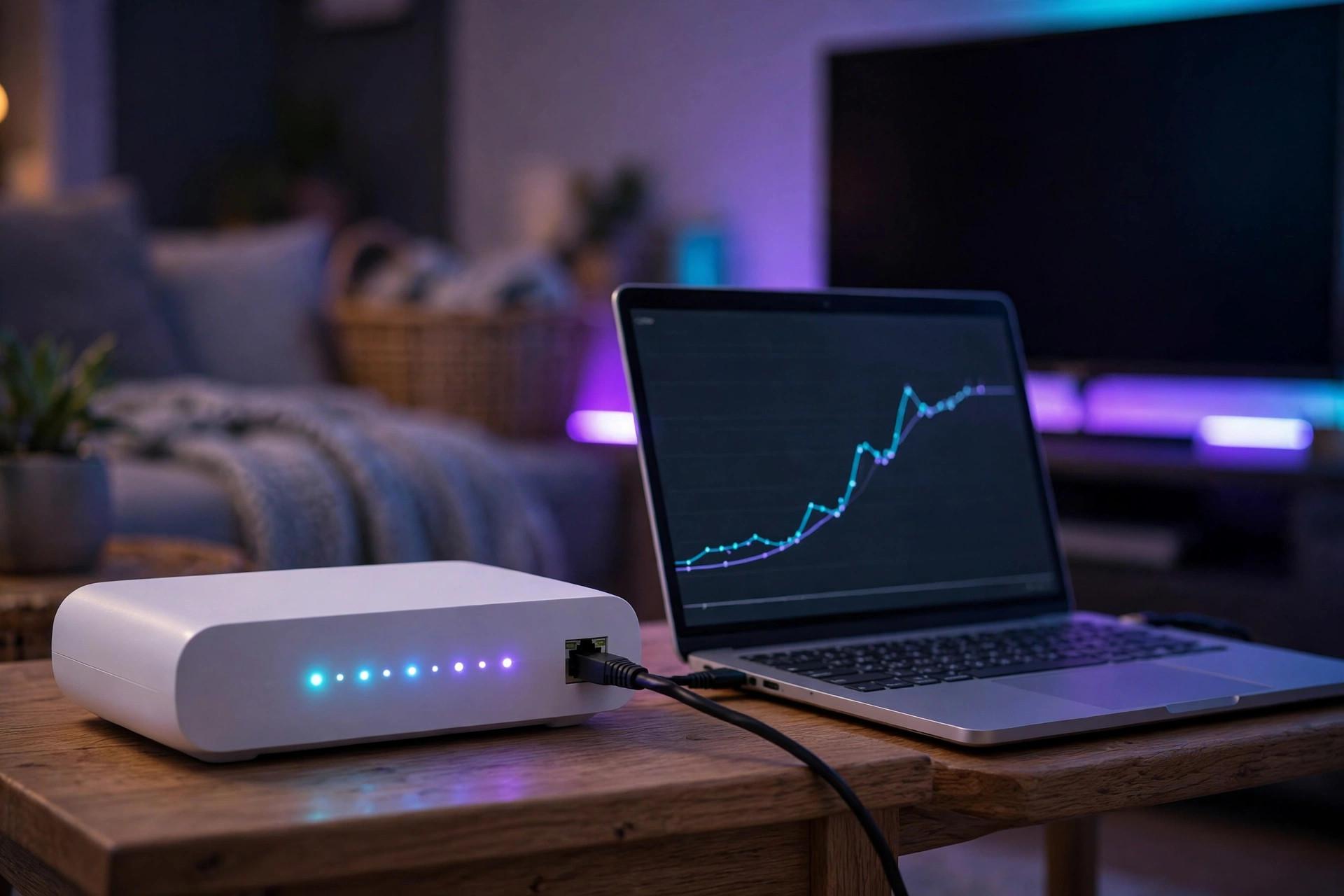
The Firestick 4K Max has Wi-Fi 6E, and on a 5 GHz network in the same room it holds a 4K stream without trouble. Two rooms away through a floor, the same stick can drop to 15 Mbps and buffer every few minutes — and the fix is not a faster internet plan, it is a better path. The official Ethernet adapter costs $14.99 and plugs into the stick's power cable, turning the wireless link into a wired one. If the router is in another room, a mesh node in the living room or a powerline adapter beats a weak Wi-Fi signal every time.
If buffering persists on a wired stick, work through the list in order: restart the stick by unplugging it for 30 seconds, clear the IBO Pro Player cache under Settings, Applications, Manage Installed Applications, then force stop and clear cache — do not clear data, or the playlist is gone. Check that no VPN is running on the stick, because a VPN server in another state can halve the speed. Then test at 8 PM with fast.com in the Silk browser on the stick itself, and compare with the buffering fixes in this series.
4K IPTV Firestick USA: TiviMate and IPTV Smarters Pro as well
IBO Pro Player is the recommended app on Firestick because it is the simplest — open it and the channels are there, with the MAC and key doing the login. But the Firestick also runs TiviMate and IPTV Smarters Pro, and some viewers prefer them. TiviMate costs $4.99 a year for Premium and has the best TV guide of any IPTV app, with favorites, catch-up and a recording option. IPTV Smarters Pro is free and runs on every platform, so the same login works on the Firestick, the phone and the laptop. The same login also works on the Apple TV 4K, if the household has one — the setup there takes four steps and no Downloader at all.
To use either, install it the same way through Downloader, then choose Login with Xtream Codes API and enter the username, password and server URL support sends on WhatsApp. TiviMate needs the playlist added once, then it updates itself. If you switch apps, the subscription does not change — one login works in any player, and support will resend the details if you lose them. The install guide covers all three apps step by step, with the Firestick steps first.
4K IPTV Firestick USA: the remote, Alexa and the living room
The Firestick remote is small and the buttons wear out — the most common complaint after a year is a remote that needs new batteries every month, which usually means a stuck button or a remote that never sleeps. Keep a spare pair of AAA batteries in the drawer and, if the remote dies, the Fire TV app on your phone works as a full remote with a keyboard, which is also the fastest way to type a long playlist URL. Alexa on the remote opens apps by voice — say open IBO Pro Player — and it searches titles across the apps installed on the stick.
One last check before the game: open a 4K channel on ESPN or Fox, press the menu button in IBO Pro Player and confirm the stream information shows 3840 x 2160. If it shows 1920 x 1080, the feed is the HD one — go back to the channel list and pick the 4K feed, which is listed separately on the sports channels. Then sit down and watch the first half without touching anything. If it holds, the setup is done, and it will hold every night after. If the first half still stutters, the internet speed guide shows how to measure the real speed at the stick, at 8 PM, before blaming the service.
4K IPTV Firestick USA: the five-minute rule
The five-minute rule is the promise of the whole setup: if it takes longer than five minutes, something is wrong and support should hear about it. The usual snag is the Downloader code — it changes, and a code copied from a web page last month is stale. Message support on WhatsApp, get the current code, and the install goes through on the first try. The second snag is the MAC address — one wrong digit and the activation goes to the wrong device. Photograph the screen instead of typing it, send the photo, and the playlist lands on the right stick the first time.
- Firestick 4K Max: $59.99, 4K60 HDR, Dolby Vision, Wi-Fi 6E
- Install IBO Pro Player via Downloader (ask on WhatsApp for the code)
- Send the MAC address + key to WhatsApp for activation
- Set resolution to 4K, Dynamic Range to Adaptive
- Ethernet adapter $14.99 fixes most buffering
- TiviMate and IPTV Smarters Pro work with the same login
| Device | Price | 4K HDR | Best for |
|---|---|---|---|
| Firestick 4K Max | $59.99 | Yes — Dolby Vision | Most living rooms |
| Firestick 4K | $49.99 | Yes — Dolby Vision | Bedroom TV |
| Fire TV Cube | $139.99 | Yes — Dolby Vision | Home theater |
| Apple TV 4K | $129 | Yes — Dolby Vision | Apple households |
If you want to see the difference on your own screen, start the free trial and watch a 4K game or movie tonight. See the plans and prices and pick the length that fits your household, then follow the install guide for your device — most people are watching in under five minutes.