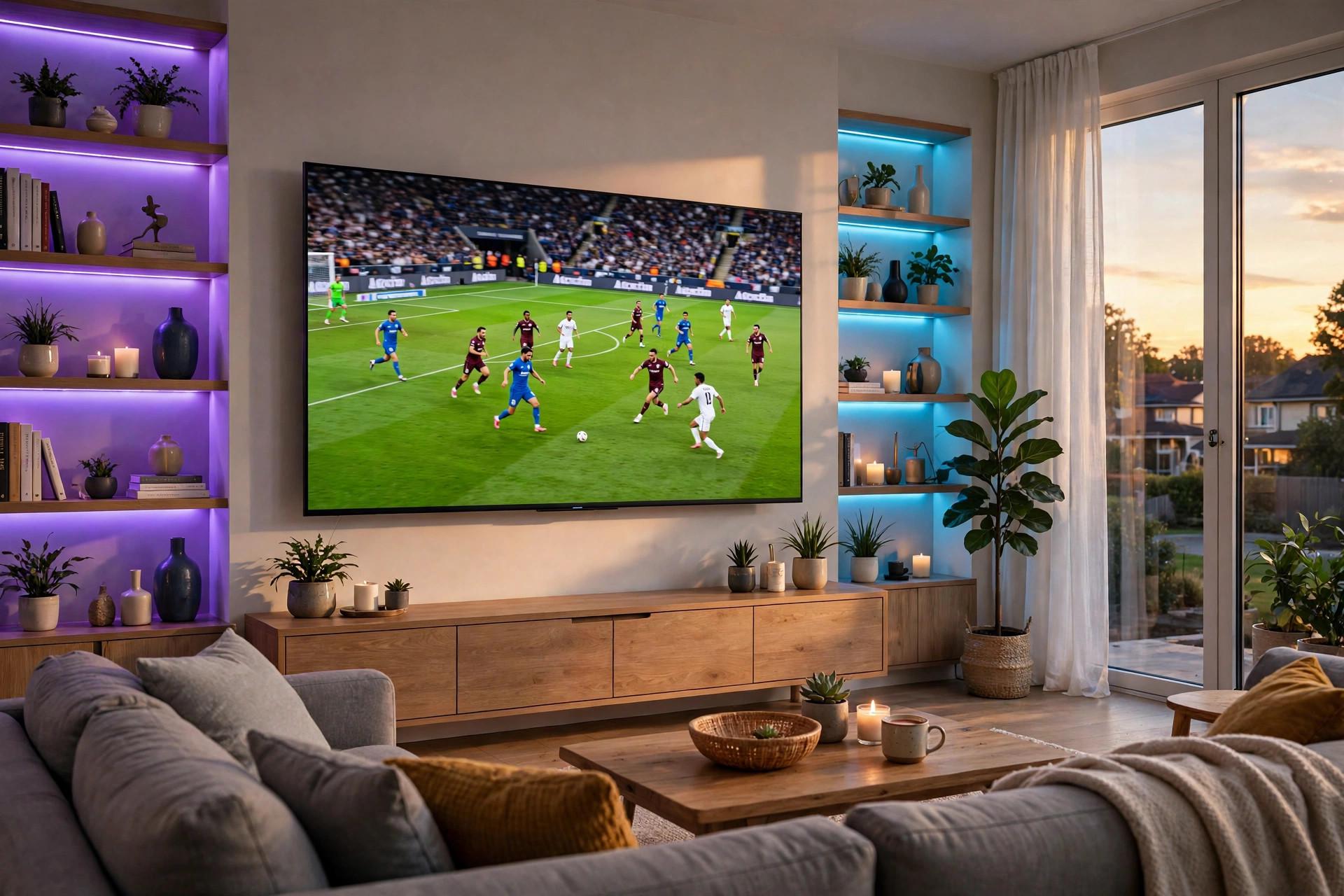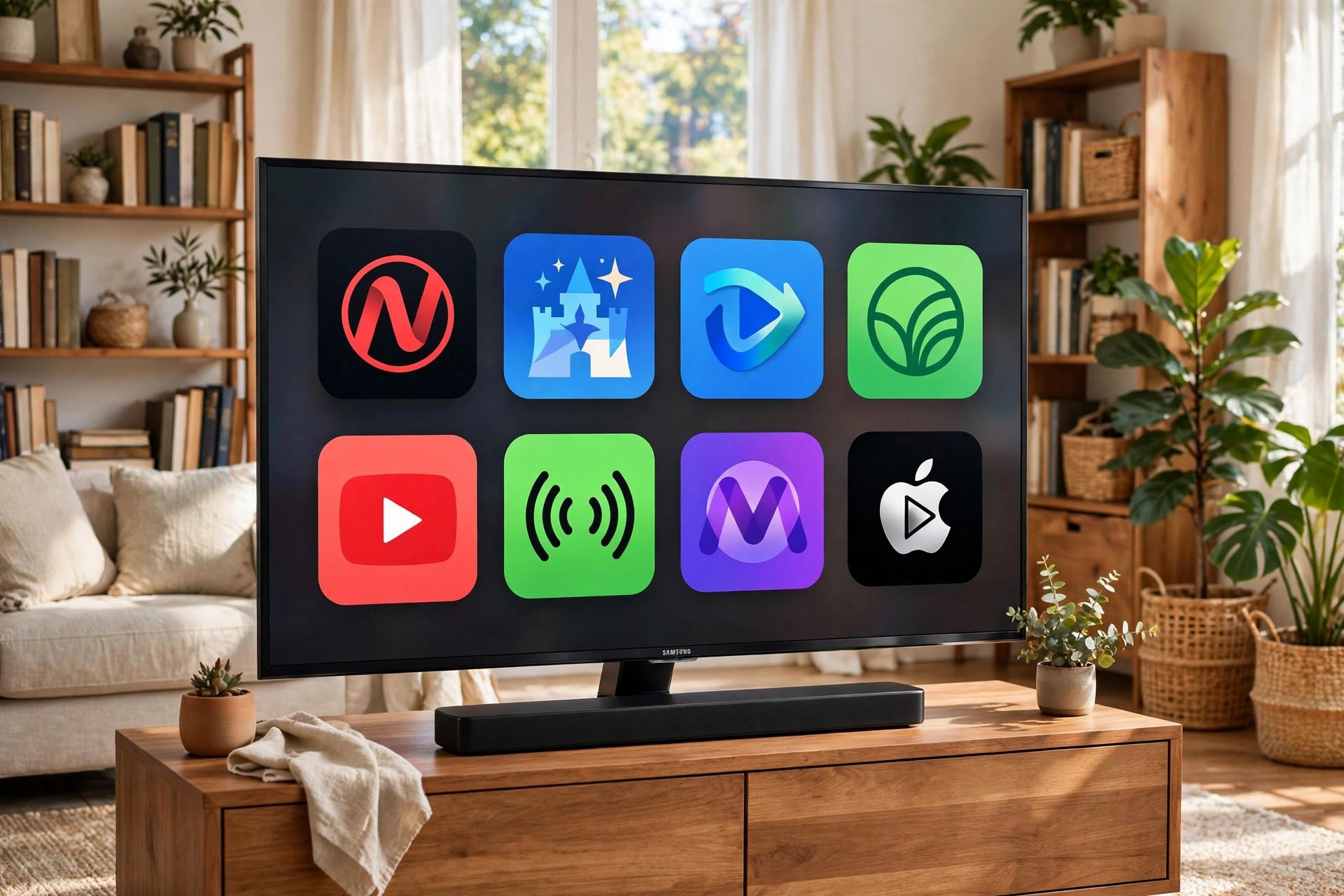
The Smart TV is the simplest way to watch IPTV, and the most overlooked. The TV already has the apps, the Wi-Fi and the remote, and the subscription only needs a player installed from the store the TV already opens. No HDMI port used, no power adapter, no stick cooking behind the panel. The trade is speed: a TV processor is slower than a Firestick 4K Max or an Apple TV 4K, and the guide can take a second longer to load — a fair trade for a setup that needs nothing new in the house.
The differences between the brands matter more than the brochures admit. Samsung's Tizen and LG's webOS run IBO Player, which logs in with a MAC address and a key. Sony's Google TV runs TiviMate and IPTV Smarters Pro, which log in with a username and password. The picture settings are different too — the HDR toggle has a different name on each brand, and at least one HDMI input ships with it off on every brand. This article covers all three, step by step, with the settings that make 4K actually 4K.
4K IPTV Smart TV USA: Samsung Tizen — IBO Player
On a Samsung TV — a QLED, a Neo QLED like the S90D, or a Crystal UHD — open the TV app store, search for IBO Player, and install it. Open the app and it shows a MAC address and a key on the screen. Photograph them, send both to support on WhatsApp, and activation takes about a minute. Restart IBO Player and the playlist loads: channels, movies, series and the full EPG. The whole process takes under five minutes, and support installs it free over WhatsApp if any step sticks.
The Samsung settings matter as much as the install. Turn on Input Signal Plus for the HDMI input the player uses — it is the HDR switch, and it ships off on at least one input. Set the picture mode to Filmmaker Mode for films and to the sports preset only for live games. Turn off motion smoothing for movies, set sharpness to 0, and turn off Eco mode, which dims the panel just when HDR needs full brightness. Samsung does not support Dolby Vision, so the films play in HDR10+ — which is just as good on the films that carry it. The HDR guide covers the formats.
4K IPTV Smart TV USA: LG webOS — IBO Player and Smart IPTV
On an LG TV — a C4 OLED, a B4, or a QNED — open the LG Content Store, search for IBO Player, and install it. The MAC address and key appear on screen, and the same WhatsApp activation applies: photograph them, send them, wait a minute, restart the app. LG also runs Smart IPTV, the older app that many viewers already have installed — it works the same way, with the same activation, and the choice between the two is mostly habit. IBO Player has the cleaner guide; Smart IPTV has been around longer.
The LG settings are the ones that make the OLED shine. Turn on HDMI Ultra HD Deep Colour for the input — the HDR switch, under Settings, General, Devices, HDMI Settings. Set the picture mode to Filmmaker Mode, which shows films exactly as graded, and set the color temperature to Warm 2, which looks yellow for the first hour and correct forever after. Turn off TruMotion for movies and keep it only for sport if you like it. The C4 shows Dolby Vision, HDR10 and HLG, and the Dolby Vision badge in the corner confirms the chain is working.
4K IPTV Smart TV USA: Sony Google TV — TiviMate and Smarters Pro
On a Sony TV — a Bravia 7, a Bravia 9, or an older Android TV set — open the Google Play Store on the TV, search for TiviMate or IPTV Smarters Pro, and install it. The login is different from Samsung and LG: choose Login with Xtream Codes API and enter the username, password and server URL support sends on WhatsApp. Tap Add User, wait for the channels and the EPG to load, and the guide is ready. Google TV is the best smart platform of the three for IPTV, because the Play Store has every player app and the search finds a title in seconds.
The Sony settings are the simplest of the three, because the XR processor does the heavy lifting. Turn on Enhanced Format for the HDMI input, set the picture mode to Cinema for films, and leave the upscaling to the TV — the Bravia 7 does the best upscaling in this article, and a 1080p channel stretched to a 65-inch screen looks sharper here than on either OLED. Sony supports Dolby Vision, HDR10 and HLG, and the Google TV home screen puts the IPTV app one click from the remote. The best TV guide compares the three panels.
4K IPTV Smart TV USA: when the TV app is not enough
The TV app is enough for most viewers, and the stick is for the rest. The signs are consistent: the guide takes three seconds to load, the channel change takes two seconds, the app crashes once a week, or the TV is more than four years old and the app store no longer updates the player. In those cases a Firestick 4K Max at $59.99 fixes the speed for less than the cost of a dinner, and the Apple TV 4K at $129 fixes it with the best remote and the best Dolby Vision handling. The subscription does not change — one login works in the TV app and in the stick app.
The other case is the second TV. The bedroom TV that runs the TV app fine all week is the one that benefits most from a stick on Sunday, when the main TV is busy and the game moves to the bedroom. The multi-device yearly plans cover it: two devices $159.99, three $224.99, four $269.99 per year. Keep the TV app on the main TV, put the stick on the second TV, and the household never argues about the remote.
4K IPTV Smart TV USA: Wi-Fi, Ethernet and the buffering fix
Smart TVs have the worst Wi-Fi in the house, and it is not the TV's fault — the antenna sits behind a metal panel, at the back of the set, against the wall. A TV that shows two bars on 5 GHz will buffer a 4K game while the phone next to it shows full signal. The fix is the same as for any device: use the Ethernet port on the back of the TV if a cable run is practical — every Samsung, LG and Sony 4K TV has one — or move a mesh node into the living room so the TV gets a strong 5 GHz signal.
If buffering persists on a wired TV, work through the short list: restart the TV by unplugging it for 30 seconds, clear the IBO Player cache in the TV settings, turn off any VPN, and check that the TV's software is updated — an LG webOS update has fixed more buffering complaints than any other single step, because the old firmware throttled the app. Test the speed in the TV browser at 8 PM, and compare with the buffering fixes in this series.
4K IPTV Smart TV USA: the remote, the voice and the household
The TV remote is the remote the household already knows, and that is the point. Samsung's solar remote charges from the room light and never needs batteries. LG's Magic Remote points at the screen like a mouse, which is the fastest way to move through a guide with 57,000 channels. Sony's remote has the Google Assistant button, and a voice search for a title finds it across the apps. The one remote nobody likes is the one with fifty buttons — use the favorites row in the player instead, and the five channels the household watches are one click away.
The household test is the same as for any device: start the free trial, open the biggest game on the TV you own, and watch the first half from the couch. If the guide loads, the picture holds in 4K, and the remote does what you expect, the TV app earns the subscription and nothing new needs buying. If the guide lags, the $59.99 stick is the fix, and the trial tells you that too — for free, in one evening.
4K IPTV Smart TV USA: the TV you own is the test
The TV you own is the test, and the trial is free — so run it on the TV you have before buying anything new. Install the app from the store the TV already opens, activate it on WhatsApp, and watch the biggest game of the week on the screen you already watch. If the guide loads and the picture holds in 4K, the Smart TV earns the subscription on its own, and the $59.99 stays in your pocket. If the guide lags, the stick is the fix, and you found out for free — which is the point of the trial, and the reason it costs nothing to run.
- Samsung Tizen: IBO Player, MAC + key activation
- LG webOS: IBO Player or Smart IPTV, Dolby Vision
- Sony Google TV: TiviMate or Smarters Pro, Xtream login
- No stick needed for most viewers — the TV app is enough
- Use the Ethernet port — TV Wi-Fi sits behind metal
- Firestick 4K Max $59.99 fixes a slow TV app
| TV | App | Login | Dolby Vision |
|---|---|---|---|
| Samsung | IBO Player | MAC + key | No — HDR10+ |
| LG | IBO Player / Smart IPTV | MAC + key | Yes |
| Sony | TiviMate / Smarters Pro | Xtream Codes | Yes |
If you want to see the difference on your own screen, start the free trial and watch a 4K game or movie tonight. See the plans and prices and pick the length that fits your household, then follow the install guide for your device — most people are watching in under five minutes.