Quality is the word every IPTV service uses and almost none defines. A provider can claim 4K quality and mean four different things: the resolution of the file, the bitrate of the stream, the HDR format of the grade, or the sharpness of the panel in the store. Only one of those is the picture you see, and it is the combination of all four — the file, the pipe, the grade and the screen — that decides whether the game looks like the stadium or like a watercolor. This article defines each one, so the trial tells you the truth.
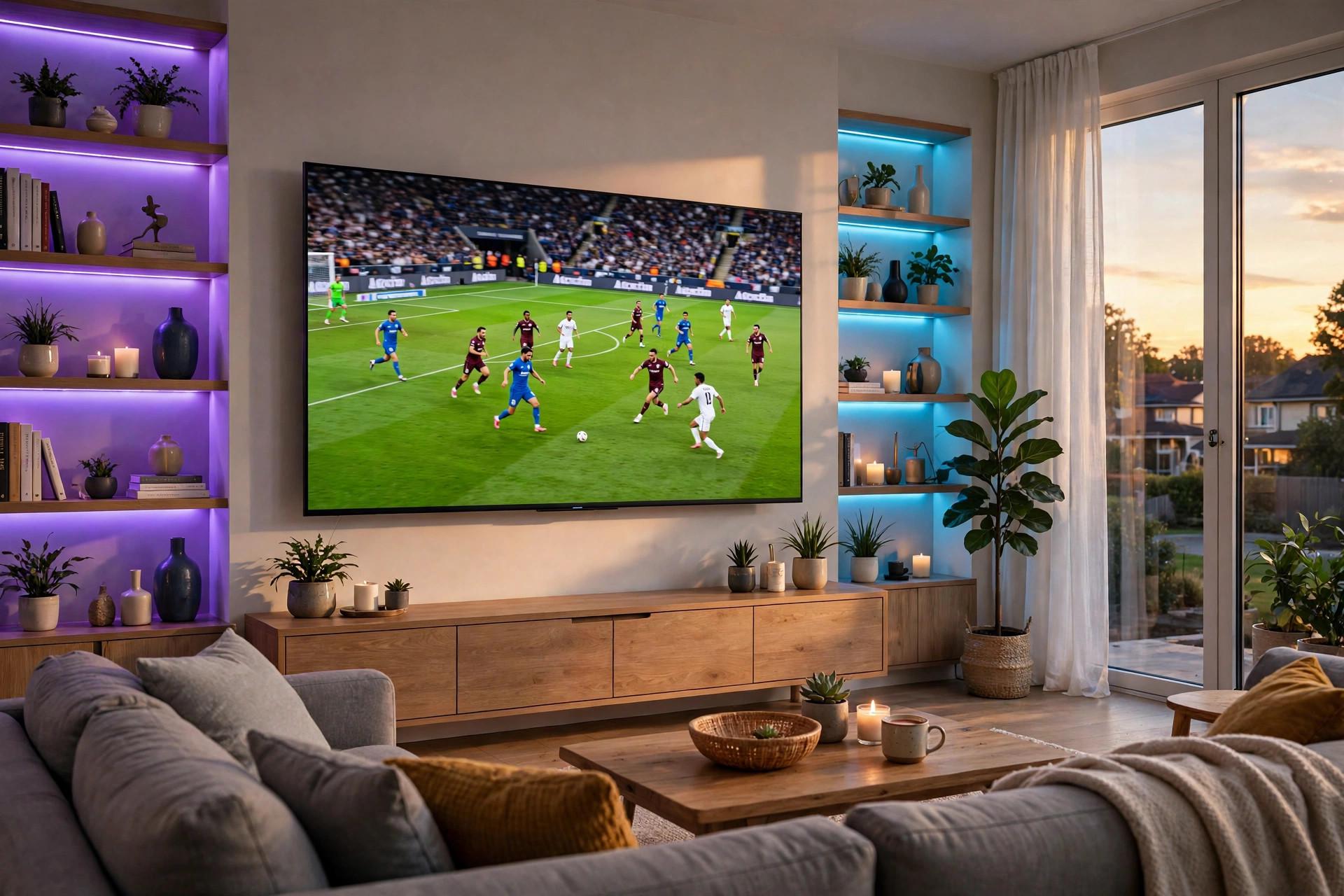
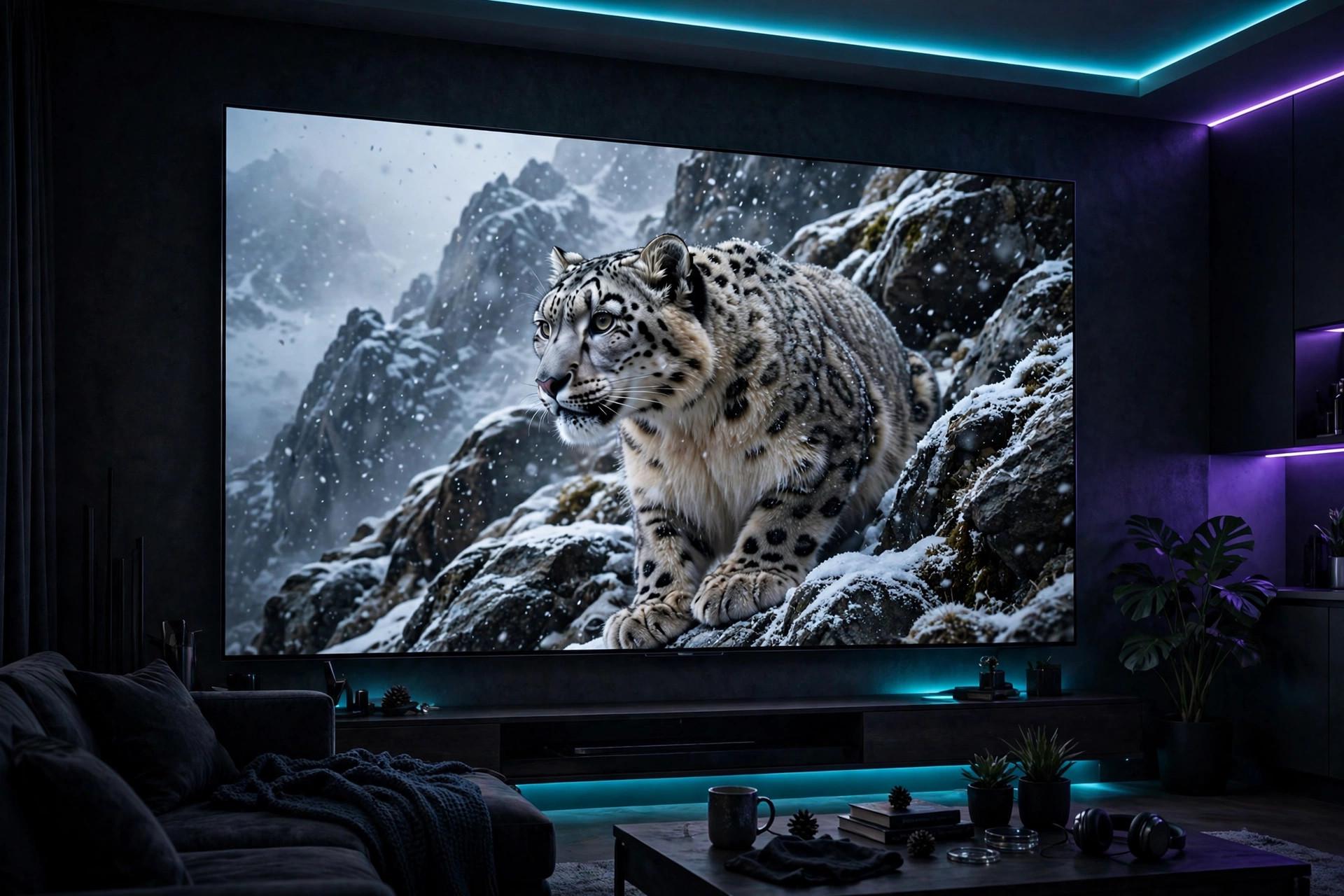
The test is the same as ever: a Sunday game, a dark movie scene, and a nature documentary, watched on the biggest TV in the house. If all three hold, the quality is real. If one falls apart, the article tells you which of the four things broke, and whether the fix is in the subscription, the connection, the settings or the TV. The trial is free for 24 hours, and the three tests take one evening.
IPTV 4K Quality USA: bitrate — the number that matters most
Bitrate is the amount of picture the service sends every second, and it is the single biggest factor in quality. A 4K picture is 3840 x 2160 pixels, and a live encoder has to decide, thirty or sixty times a second, which of those 8.3 million pixels to keep and which to throw away. At 50 Mbps it keeps almost all of them. At 25 Mbps it keeps most of them. At 15 Mbps it throws away the grass, the crowd and the texture of the jerseys, and the picture that arrives is 4K in resolution and 720p in detail.
The test for bitrate is motion. Pause on a still frame and almost any stream looks sharp, because the encoder has all the time in the world for one picture. Play the game and the truth comes out: watch a wide shot of a football field for a full minute, and look at the yard lines as the camera follows the play. On a 50 Mbps feed the lines stay straight. On a 15 Mbps feed they shimmer. IPTV USA 4K Premium serves its 4K sports feeds at the higher end of the range, which is why the same game looks different here than on a budget list that re-labels 1080p as 4K.
IPTV 4K Quality USA: HDR — light, color and the dark scene
HDR is the second factor, and it is the one most viewers notice first once they have seen it. High dynamic range widens the gap between the brightest highlight and the darkest shadow, and widens the colors at the same time, so a sunset, a stadium floodlight or a neon street sign looks the way it does in real life. HDR10 is the baseline every 4K TV supports. Dolby Vision adjusts the brightness scene by scene, and on an LG C4 OLED the difference is visible in any film with mixed lighting. Samsung uses HDR10+ instead, which does the same job.
The dark-scene test is the way to judge HDR: put on a space film or a night chase, and watch the shadows. In a real HDR grade the shadows have layers — the wall behind the actor, the texture of the coat, the edge of the doorway. In a fake 4K SDR transfer the shadows are one flat black. If the film shows no HDR badge in the player, the fault is in the chain — the HDMI input setting first, then the player setting, then the cable. The HDR guide walks through the whole chain.
IPTV 4K Quality USA: frame rate — 24, 30 and 60 frames
Frame rate is the third factor, and it is the one that makes film look like film and sport look like sport. A movie is shot at 24 frames per second, and it should be played at 24 — force it to 60 and the film turns into cheap video, the motion smoothing trap that ruins more movie nights than any other setting. A football game is shot at 60 frames per second, and it should be played at 60 — drop it to 30 and the ball stutters across the screen. The player has to match the rate of the content, not force one rate on everything.
The setting that does it is called Match Frame Rate on the Apple TV 4K and Match Original Frame Rate on the Firestick 4K Max, and it should be on. The test is a 24fps film followed by a 60fps game: the film should look like a film, with the slight judder that is part of the look, and the game should look like live television, smooth all the way through. If both look the same, the player is forcing one rate, and the setting is the fix. The picture settings guide covers it in detail.
IPTV 4K Quality USA: the chain — server, pipe, player, panel
Quality is a chain, and the chain has four links: the server that sends the stream, the pipe that carries it, the player that decodes it, and the panel that shows it. The server matters on Sunday nights, when the whole country watches at once — the anti-freeze servers exist for exactly those nights, and a service that skimps on them freezes in the fourth quarter. The pipe matters every night: a steady 25 Mbps at the TV for one 4K stream, over Ethernet or strong 5 GHz Wi-Fi, not a two-bar 2.4 GHz signal from the next room.
The player matters more than people expect. The Firestick 4K Max, the Apple TV 4K and the Nvidia Shield TV Pro all decode 4K60 HDR cleanly, and the Shield adds AI upscaling that sharpens even 1080p feeds. The panel matters last and most visibly: an LG C4 OLED shows true blacks, a Samsung S90D shows the brightest picture, a Sony Bravia 7 shows the best upscaling. One weak link and the whole chain drops a level — and the trial is how you find which link it is, because the fix is different for each one.
IPTV 4K Quality USA: upscaling — how 1080p looks on a 4K TV
Most of what you watch is still 1080p, and the upscaler decides how it looks on a 4K panel. A good upscaler takes a 1080p news broadcast and stretches it to 8.3 million pixels without turning the anchor's face into wax, using detail reconstruction to guess what the missing pixels should be. The Sony Bravia 7 does it best, the Nvidia Shield TV Pro does it best of the boxes, and the LG C4 does it well enough that the evening news looks sharper than it did on the old 1080p TV.
The test is a close-up of a face on a 1080p channel, then a wide shot of a studio. On a good upscaler the face keeps its texture and the studio keeps its edges. On a weak one the face goes smooth and the edges shimmer. The upscaler is also the reason a 4K TV is worth buying even before the 4K channels arrive: everything you already watch looks better, and the 4K content is the bonus on top. The best TV guide compares the panels that upscale best.
IPTV 4K Quality USA: the three-test evening
Run the three tests in one evening and write down what you see. Test one is the game: a wide shot of a football field for a full minute, watching the yard lines and the crowd. Test two is the film: a dark scene, watching the shadows for layers. Test three is the documentary: a nature film in 4K HDR, watching the leaves and the water for fine detail. All three clean means the quality is real — the bitrate, the HDR, the frame rate and the chain all work.
If one test fails, the article above tells you where to look: shimmering lines mean bitrate, flat shadows mean HDR, stuttering motion means frame rate, and a failure on every test means the chain — usually the Wi-Fi path or the HDMI input setting. Fix the one thing, run the test again, and the picture tells you whether it worked. The trial is free for 24 hours, and the evening is the review.
IPTV 4K Quality USA: the number to remember
If you remember one number from this article, make it 25 Mbps at the TV — steady, at 8 PM, on the device that plays the game. Bitrate is the floor everything else stands on: HDR cannot rescue a starved stream, and no panel can show detail the encoder threw away. Test the number once with the free trial, write it down, and fix the weakest link first — the cable, the band, the input setting or the feed. Quality is not a claim on a website. It is a number at the TV and a picture on the screen, and both are yours to check in one evening.
- Bitrate 25–50 Mbps — the biggest factor in sharpness
- HDR10 or Dolby Vision — light and color, not just pixels
- Frame rate matched: 24fps film, 60fps sport
- Chain: server, pipe, player, panel — no weak link
- Upscaling decides how 1080p looks on a 4K TV
- Three tests: game, dark film, nature documentary
| Factor | What it needs | Test |
|---|---|---|
| Bitrate | 25–50 Mbps steady | Wide shot, yard lines |
| HDR | HDR10 / Dolby Vision | Dark scene, shadows |
| Frame rate | 24fps film, 60fps sport | Film then game |
| Chain | No weak link | All three tests |
If you want to see the difference on your own screen, start the free trial and watch a 4K game or movie tonight. See the plans and prices and pick the length that fits your household, then follow the install guide for your device — most people are watching in under five minutes.