The question is worth asking properly, because the answer is not yes for everyone. A 4K subscription costs more than a Basic one — $19.99 against $14.99 a month — and the extra five dollars only buys something if the household can see it. The TV has to be 4K, the internet has to hold 25 Mbps at the TV, and the household has to watch the things 4K makes better: live sport, new films, nature documentaries. If all three are true, the answer is yes and the numbers are not close. If one is false, the answer is different, and this article says which.
The way to answer it is not a review but a test, and the test is free. The trial runs 24 hours, costs nothing, asks for no card, and hands you the full Premium service — every 4K channel, every movie, every game. Run it on a Sunday, watch the game, watch a film, and decide with your own eyes. The rest of this article is the arithmetic and the exceptions, so the test tells you what you already suspect.
Is 4K IPTV Worth It: the money — cable, apps and the yearly plan
Start with the money, because it is the least arguable part. Cable with the sports package runs $110 to $150 a month before equipment fees, and the 4K box is often an extra charge. Three streaming apps — Netflix at $15.49, Max at $16.99 and ESPN+ at $11.99 — cost $44.47 a month and still leave out live local channels, the NFL and the PPV nights. One Premium yearly plan at $99.99 is about $8.33 a month, and it carries the channels, the films, the series, the sport and the PPV in the same subscription.
The PPV arithmetic is the sharpest part. A UFC numbered event costs $79.99 on its own, and a big boxing night can cost $89.99. Two PPV nights a year cost more than the whole yearly plan. A household that watches one PPV night and the NFL season has already saved money by October, and the films and series are the bonus. The monthly plan at $19.99 is the way to test it; the yearly plan at $99.99 is the way to keep it. The plans table has the full comparison.
Is 4K IPTV Worth It: the picture — what you actually see
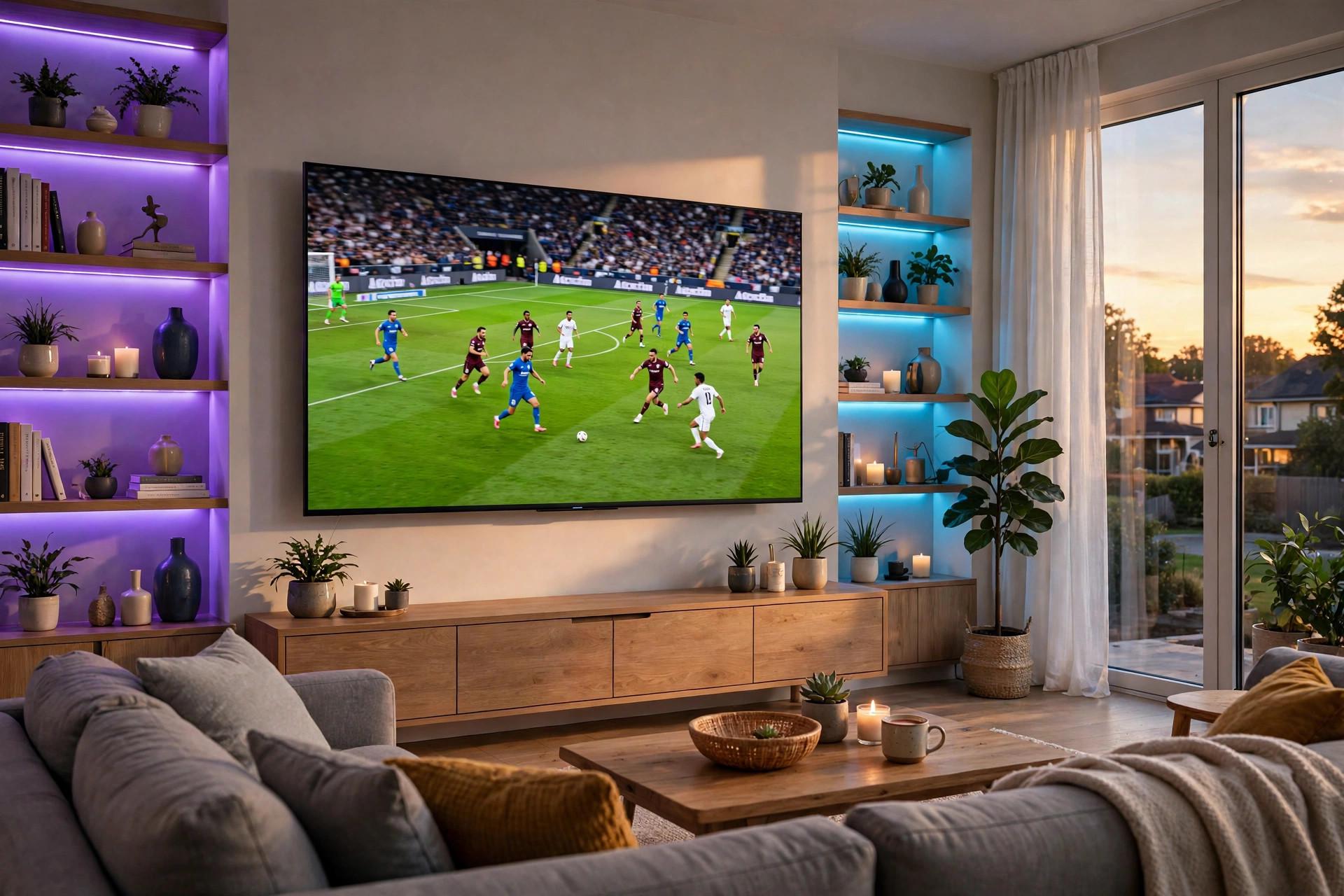
The picture is the part the money cannot measure, and it is the part that decides the renewal. A 4K game on an LG C4 OLED shows the grass, the jerseys and the crowd in a way 1080p never does, and the difference is biggest on the content the household watches most: the Sunday game, the playoff game, the new film on Friday. A nature documentary in 4K HDR is the demo that sells the TV in the store, and it is the same demo at home every night the subscription is live.
The honest limit is the source. The news, the talk shows and the older series are produced in 1080p, and no subscription makes them 4K — the upscaler on the TV or the Shield makes them sharper, but the pixels were never shot. If the household watches mostly news and reality TV, the 4K premium buys little, and Basic at $14.99 is the better call. If the household watches the game and the film, the 4K premium buys the best picture on television, and the quality guide has the three-test evening that proves it.
Is 4K IPTV Worth It: the TV — 55 inches, 65 inches and the couch
The TV decides whether the five dollars is visible. On a 55-inch TV viewed from twelve feet, your eyes cannot resolve 4K pixels from 1080p pixels, and the premium buys nothing you can see. On a 65-inch TV at eight to ten feet, the difference is obvious from the first wide shot. On a 75-inch or 77-inch TV, 4K is not a luxury but a necessity — a 1080p picture stretched to 77 inches shows its pixels, and the 4K feed is what the panel was bought for.
The rule is simple: measure the couch-to-wall distance, and buy the 4K subscription if the screen is 65 inches or larger at that distance. If the TV is 55 inches and the couch is twelve feet away, spend the money on a bigger TV first, or stay on Basic and enjoy the same channels in HD. The best TV guide compares the panels, and the trial is the way to check the TV you own — run it on a Sunday and look at the wide shots.
Is 4K IPTV Worth It: the internet — 25 Mbps at the TV
The internet is the second condition, and it is the one most households already meet. One 4K stream needs a steady 25 Mbps at the TV — measured at the TV, at 8 PM, not at the router at noon. Most US fiber and cable plans at 200 Mbps or more deliver that easily over Ethernet or strong 5 GHz Wi-Fi. The household that fails the test is the one on a 25 Mbps plan with three TVs, or the one with the Firestick on two bars of 2.4 GHz Wi-Fi two rooms from the router.
The fix is usually free: move to 5 GHz, add the $14.99 Ethernet adapter for the Firestick, or move a mesh node into the living room. If the plan itself is the bottleneck — the speed test at the router shows under 50 Mbps at peak time — the upgrade to 300 Mbps is usually $10 to $15 a month and ends the argument. If the internet cannot hold 25 Mbps at the TV after the fixes, Basic at $14.99 is the honest call, and the speed guide has the numbers and the test.
Is 4K IPTV Worth It: the exceptions — who should not buy it
Three households should not buy the 4K plan, and the honest article names them. The first is the 1080p TV household: the panel cannot show 4K, and the premium buys nothing. The second is the news-only household: the channels are produced in 1080p, and the premium buys nothing. The third is the slow-internet household: the connection cannot hold 25 Mbps at the TV, and the 4K feed will buffer while the HD feed plays clean. For all three, Basic at $14.99 a month — 10,000+ channels and 80,000 VOD in HD and Full HD — is the right subscription, and the trial will confirm it in one evening.
The fourth exception is the household that never watches live TV at all. If the viewing is entirely on-demand films and series, the VOD library is the product, and the 4K films are the reason to pay the premium — but the live channels are the bonus, not the point. That household should still test the 4K films in the trial, because a 4K HDR film on an OLED is the best picture the subscription offers, and the films alone can justify the five dollars.
Is 4K IPTV Worth It: the verdict for 2026
The verdict is yes for most American households with a 4K TV, and the reasons stack up: the yearly plan costs less than one month of cable, the PPV nights alone cover the year, the picture on the game and the film is the best on television, and the trial is free. The verdict is no for the three exceptions above, and Basic is the honest answer for them. The difference between the two verdicts is one evening with the trial, and the trial costs nothing.
Run it on a Sunday. Watch the 1 PM games in 4K, watch a film in 4K HDR after dinner, and check the bill you pay now against the $19.99 a month or the $99.99 a year. If the picture makes you lean forward and the arithmetic makes you smile, subscribe — and pick the yearly plan, because the monthly plan is the way to test it and the yearly plan is the way to keep it. If the picture looks the same as cable and the bill looks the same too, stay where you are. The trial asked nothing of you either way.
Is 4K IPTV Worth It: the Sunday test
The Sunday test is the verdict, and it takes one evening: start the free trial on a Sunday, watch the 1 PM games in 4K, watch a film in 4K HDR after dinner, and check the bill you pay now. If the picture makes you lean forward and the arithmetic makes you smile, the answer is yes — and the yearly plan is the way to keep it. If the picture looks the same and the bill looks the same, the answer is no, and the trial cost you nothing to find out. Either way you decided with your own eyes, on your own TV, which is the only way the question should ever be answered.
- Yes if you own a 4K TV 65 inches or larger
- Yes if you watch live sport or films weekly
- No for 1080p TVs, news-only homes, slow internet
- Yearly plan $99.99 — less than one month of cable
- PPV nights included — one UFC night is $79.99 alone
- Free 24-hour trial decides it in one evening
| Option | Monthly cost | 4K sport | PPV |
|---|---|---|---|
| Cable + sports | $110–$150 | Rarely | Extra |
| 3 streaming apps | $44.47 | No | No |
| IPTV USA 4K Premium | $19.99 / $8.33 yearly | Yes | Included |
| IPTV USA 4K Basic | $14.99 | No — HD/FHD | No |
If you want to see the difference on your own screen, start the free trial and watch a 4K game or movie tonight. See the plans and prices and pick the length that fits your household, then follow the install guide for your device — most people are watching in under five minutes.